You’re staring at your screen, wondering if that comma is in the right place or if your email sounds too casual for your boss. We’ve all been there—writing something important and second-guessing every word. If you’re torn between Microsoft Editor vs Grammarly, you’re not alone. Both tools promise to polish your writing, but which one actually delivers? We tested them both to help you decide which writing assistant deserves a spot in your workflow.
Before diving deep into the comparison, here’s what you need to know about Microsoft Editor vs Grammarly:
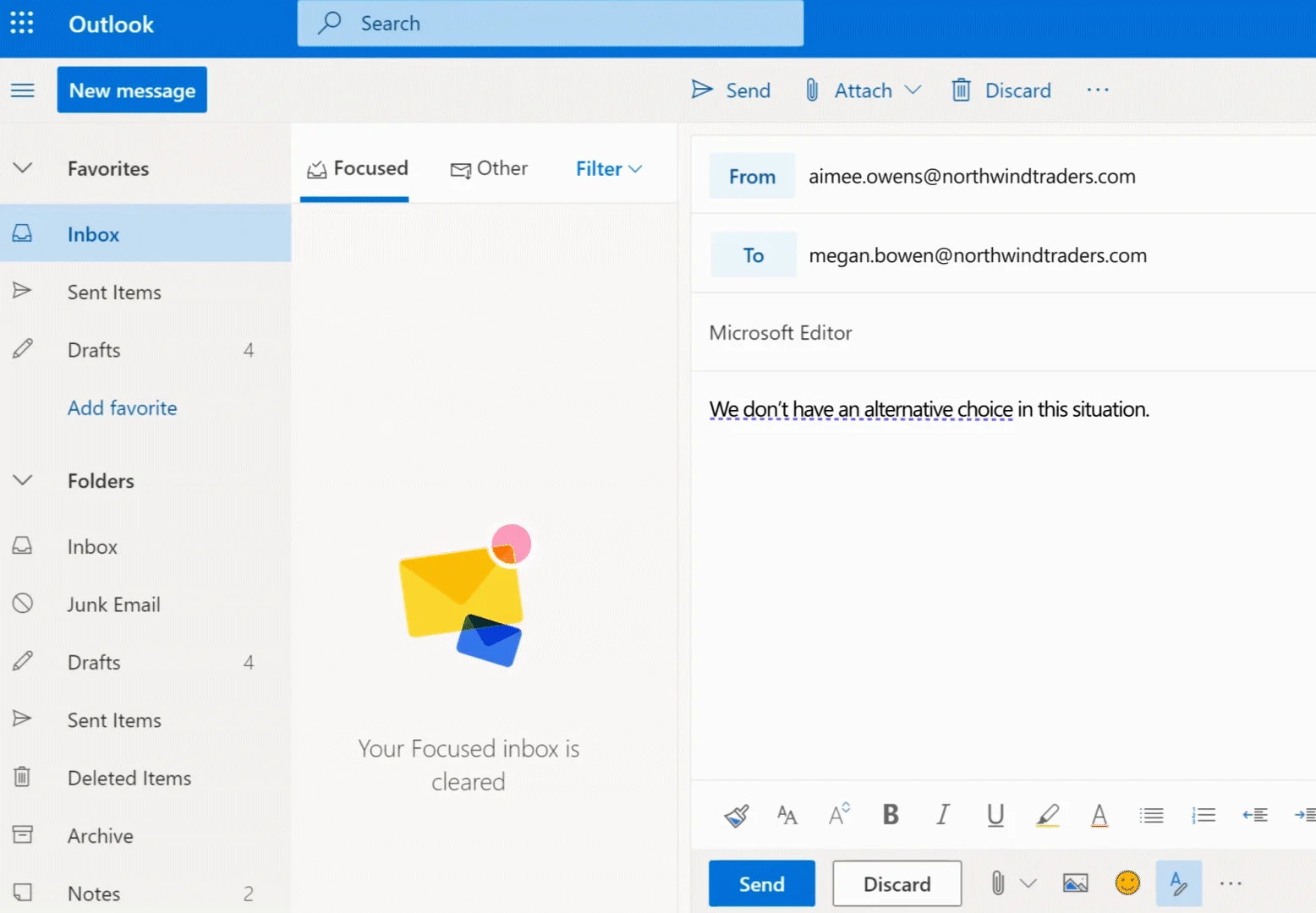
AI writing assistant integrated into Microsoft 365.
Microsoft Editor is an AI-powered writing assistant built directly into Microsoft 365 applications. It checks your spelling and grammar while you work in Word, Outlook, Edge, and other Microsoft platforms. The tool offers basic corrections for free users and advanced suggestions—like clarity improvements, formality adjustments, and vocabulary enhancements—for Microsoft 365 subscribers. Editor also includes a similarity checker to detect potential plagiarism using Bing’s search index.
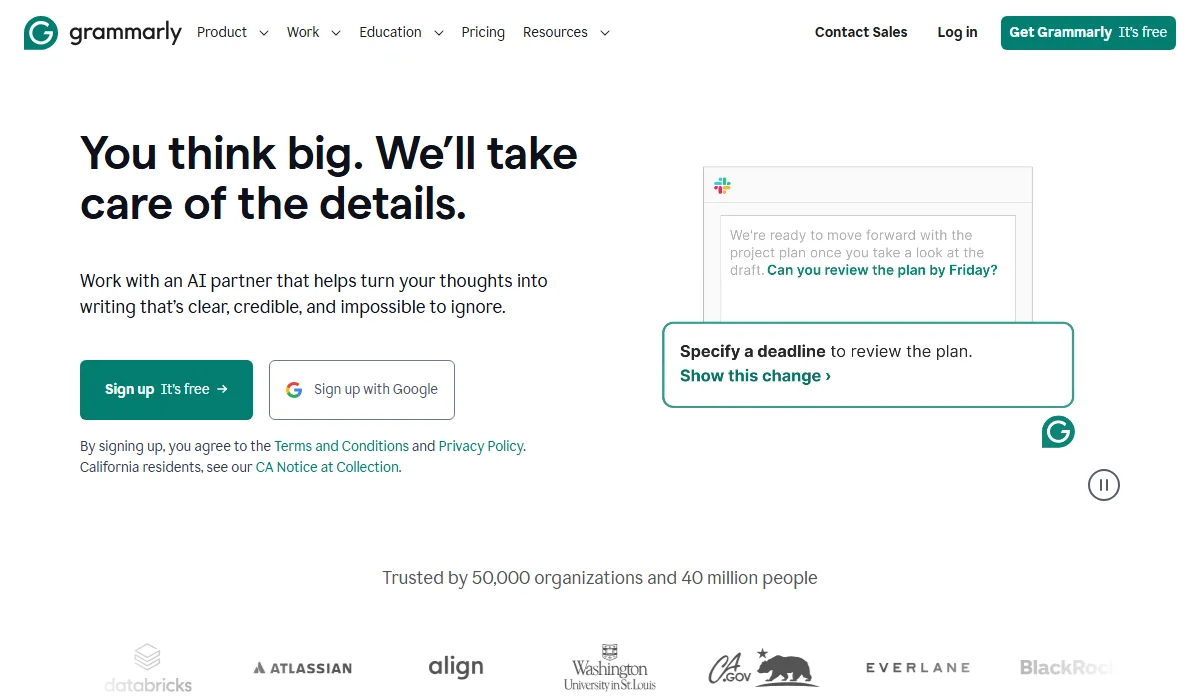
Grammarly is a cross-platform AI writing assistant.
Grammarly is a standalone AI writing assistant that works across multiple platforms and applications. It provides real-time grammar, spelling, and punctuation corrections alongside advanced features like tone detection, full sentence rewrites, and style suggestions. The platform features advanced Generative AI capabilities, an AI-powered writing generator, plus plagiarism detection capabilities. Grammarly operates through browser extensions, desktop apps, mobile keyboards, and direct integrations with popular writing platforms, making it accessible wherever you type.
Choosing between these tools isn’t just about grammar checking—it’s about finding the right fit for how you work and write. Let’s break down the key features where these tools compete head-to-head. We’ll examine what makes each one stand out and which performs better in real-world usage.
Fast Comparison Table
| Feature | Microsoft Editor | Grammarly | Winner |
| Grammar Accuracy | Detects 6 issues | Detects 8-9 issues | Grammarly |
| AI Writing Assistant | Basic AI features | GrammarlyGo (100-2,000 prompts) | Grammarly |
| Tone Detection | Limited | Comprehensive | Grammarly |
| Platform Support | Office-focused, no mobile | Desktop, mobile, all browsers | Grammarly |
| Plagiarism Checker | Yes (Bing-powered) | Yes (extensive database) | Grammarly |
| Multilingual Support | 20+ languages | English only | Microsoft Editor |
Winner: Grammarly
Grammarly consistently outperforms Microsoft Editor in detecting grammar and spelling errors. In independent testing, Grammarly identified 8-9 writing issues in the same text where Microsoft Editor caught only 6. This difference matters when you’re writing professional emails, academic papers, or client-facing content. Grammarly provides more detailed explanations for each suggestion, helping you understand why something needs fixing, not just what to fix.
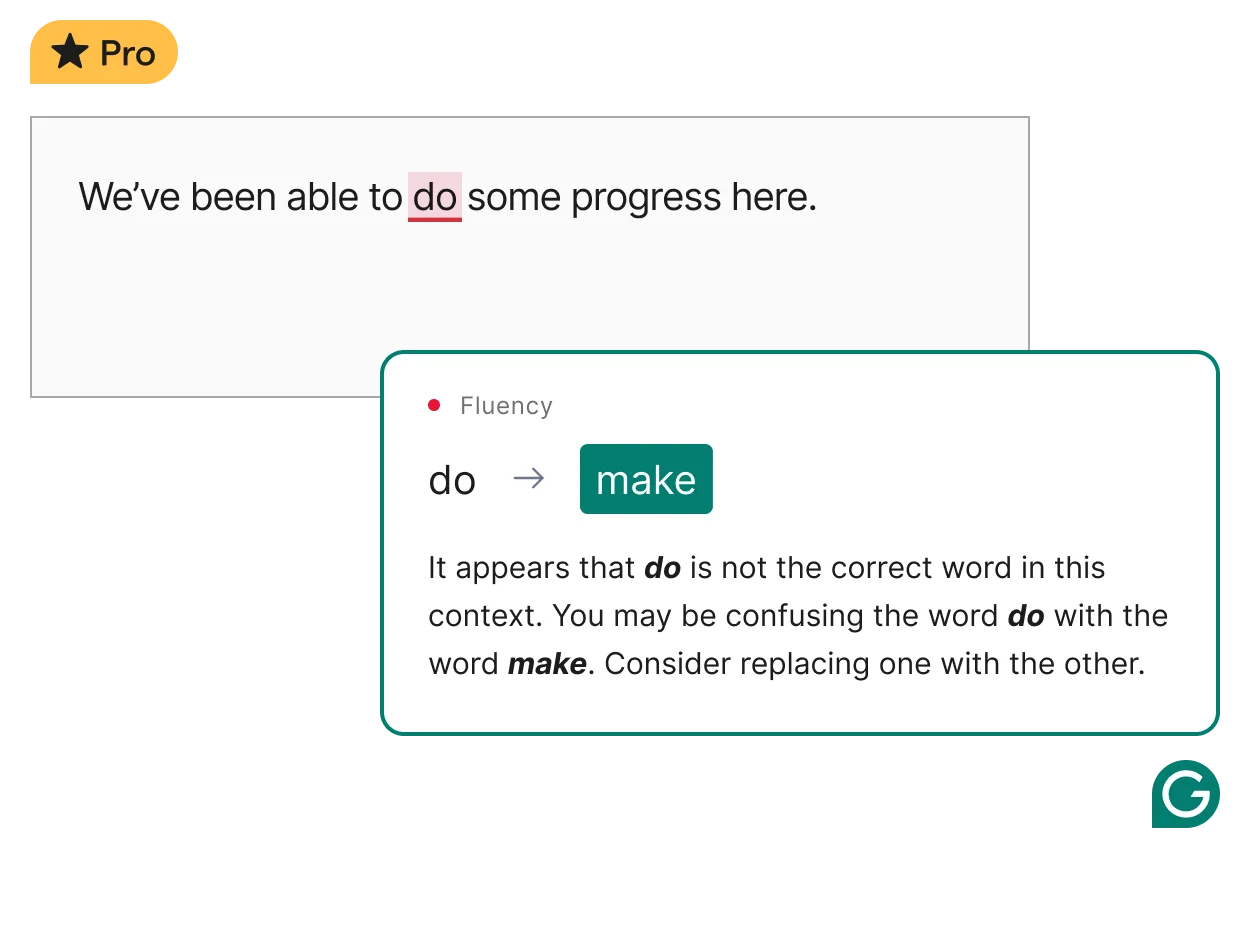
Grammarly offers superior grammar and spelling accuracy.
Microsoft Editor handles basic grammar well and catches common mistakes, but it misses nuanced errors like subtle subject-verb agreement problems or complex sentence structure issues. For casual writing, Microsoft Editor suffices. However, if accuracy is your priority—especially for high-stakes writing—Grammarly’s superior detection gives you more confidence in your final draft.
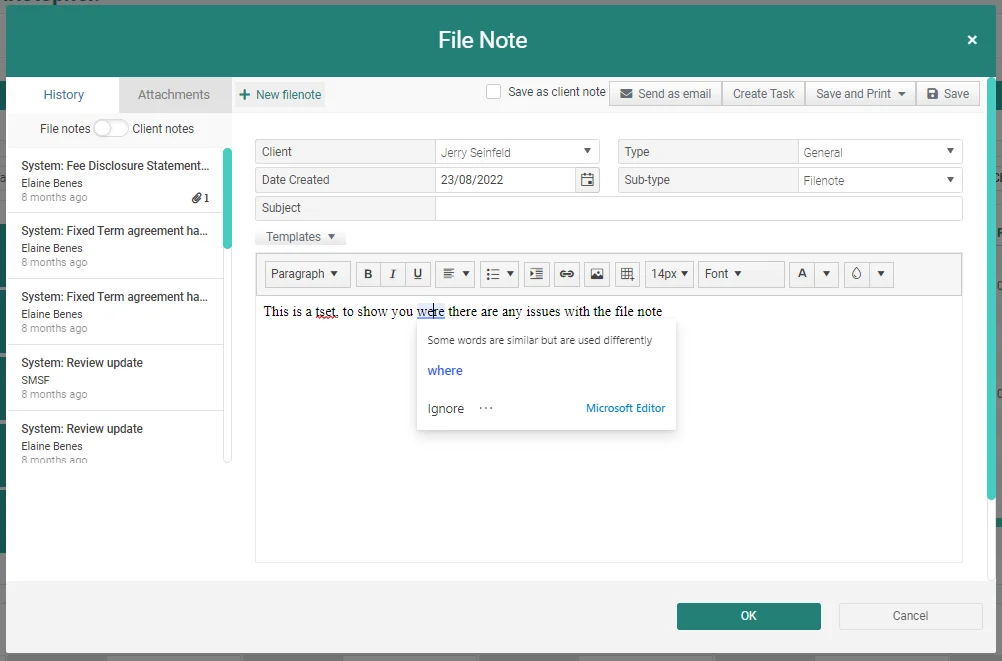
Microsoft Editor suffices for casual writing needs.
Winner: Grammarly
Grammarly’s Generative AI features transforms how you approach writing tasks with powerful AI generation. Free users get 100 AI prompts monthly, while Pro subscribers receive 2,000 prompts to draft emails, rewrite paragraphs, adjust tone, or brainstorm ideas. The AI understands context and can match your writing style while helping you overcome writer’s block.
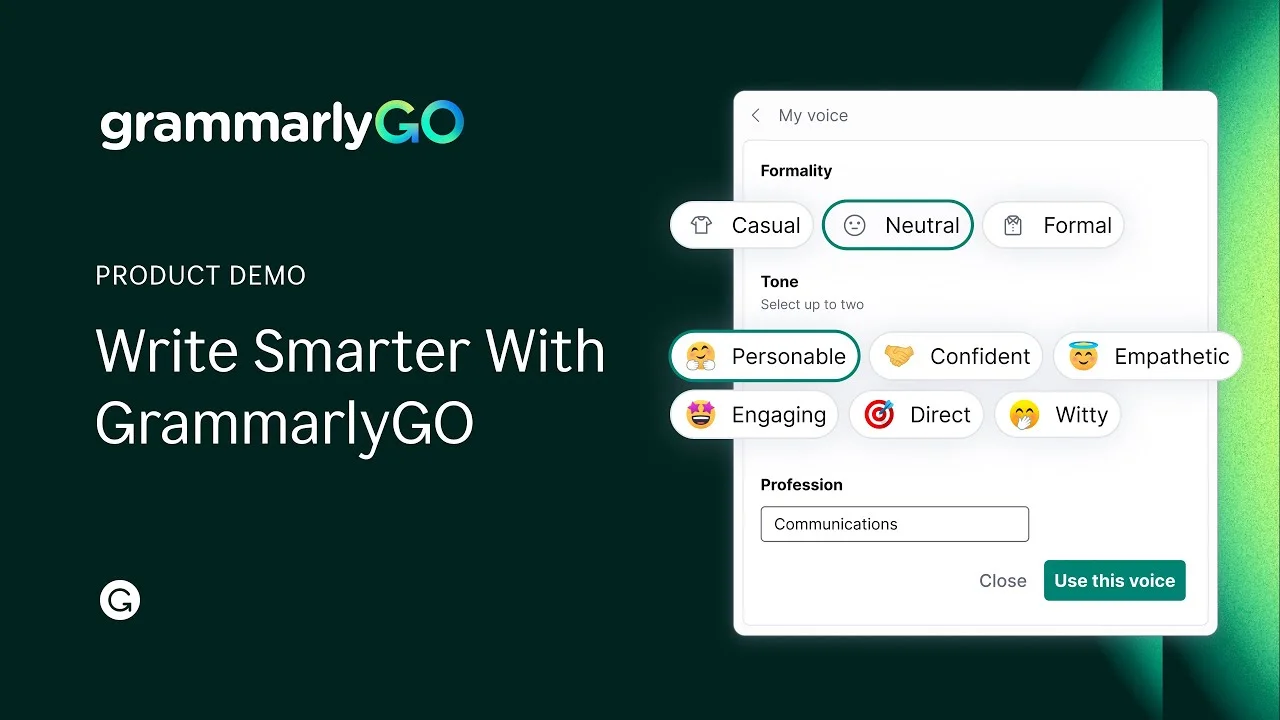
Grammarly provides powerful Generative AI writing tools.
Microsoft Editor offers basic AI assistance through Microsoft 365, but it’s more limited in scope and integration. You’ll find AI features scattered across Word and Outlook rather than unified in one cohesive experience.
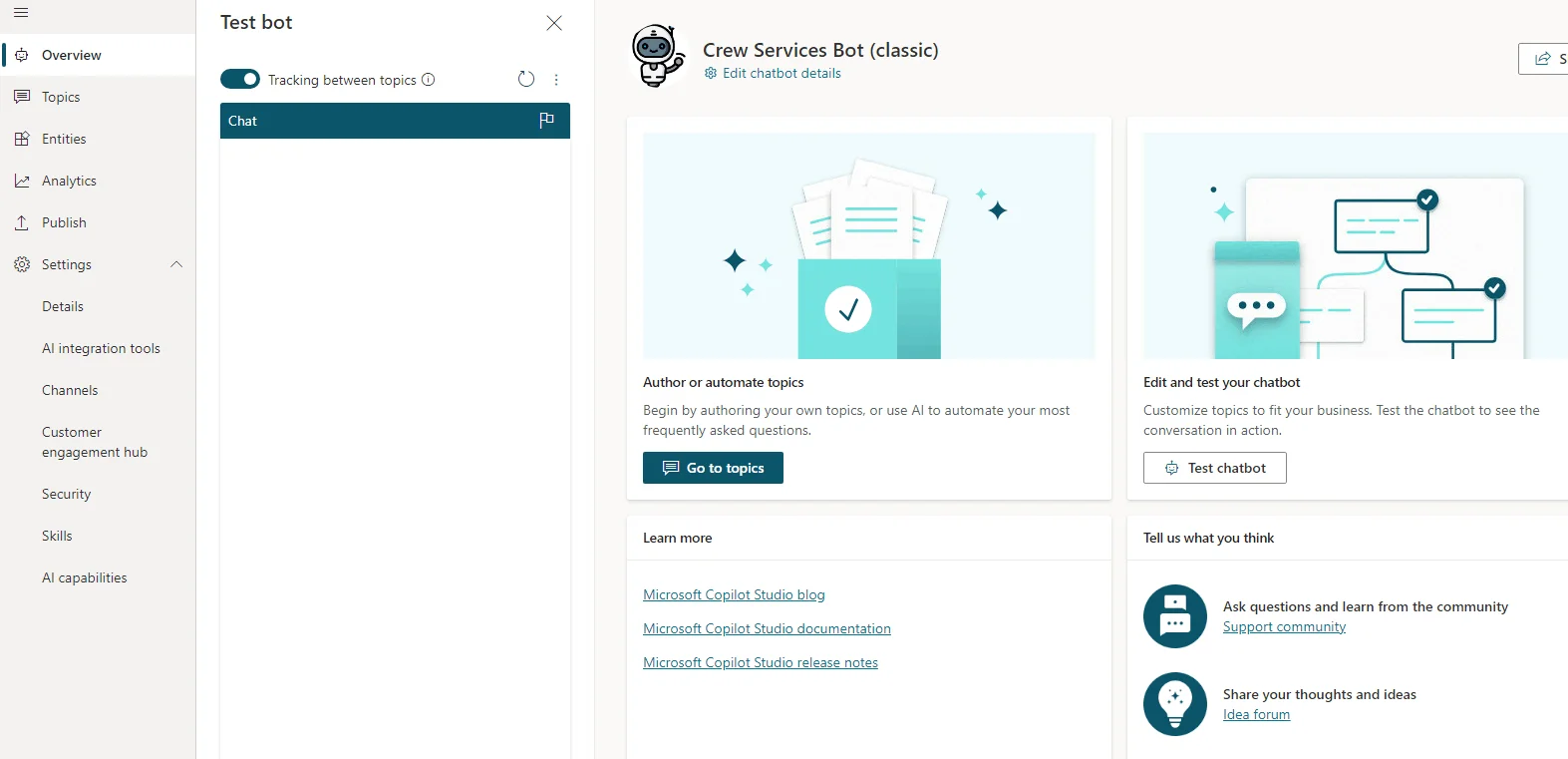
Microsoft Editor has limited, scattered AI integration.
Grammarly’s AI feels more intuitive and accessible—you can highlight any text and ask the AI to make it more confident, shorter, or more professional. This on-demand assistance speeds up your writing process significantly compared to Microsoft Editor’s fragmented approach.
Winner: Grammarly
Grammarly excels at helping you match your writing to your intended audience and purpose. Its tone detector analyzes your text and tells you whether you sound formal, casual, confident, or uncertain—incredibly useful before hitting send on important messages. The Pro version lets you set tone goals and brand voice guidelines, ensuring consistency across all your writing.
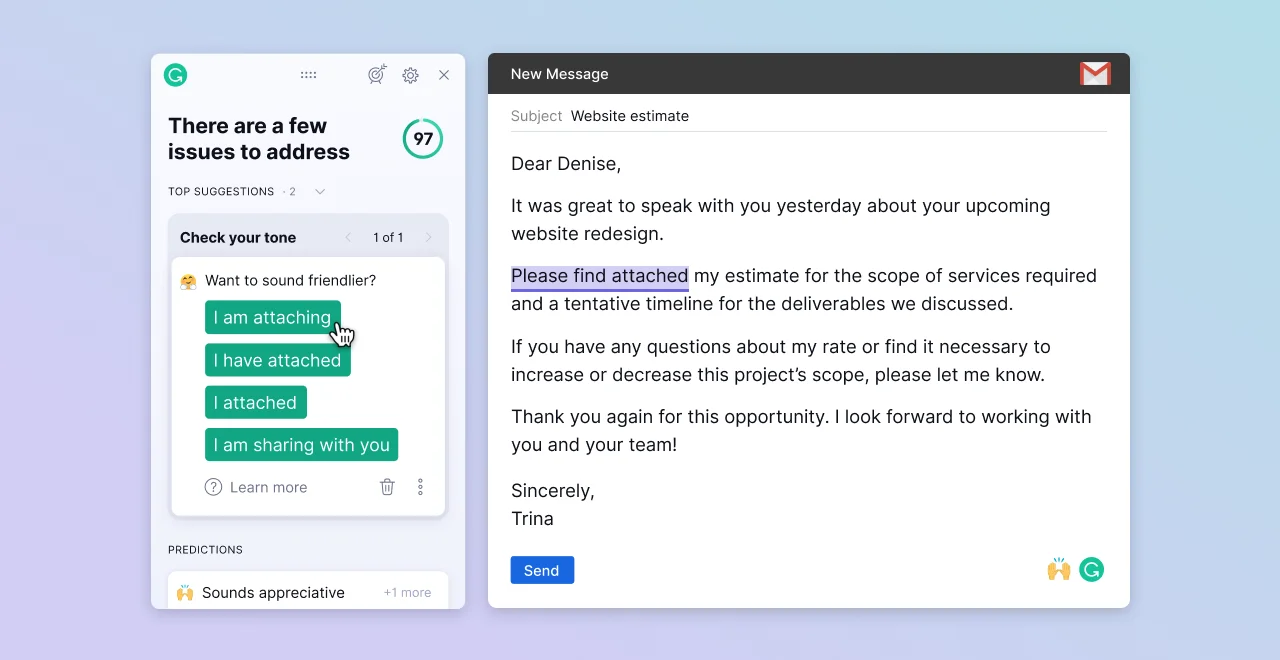
Grammarly offers advanced tone detection and style.
Microsoft Editor provides formality suggestions and clarity improvements through its premium tier, but these features feel basic compared to Grammarly’s depth. Editor can identify passive voice and suggest simpler words, which helps with readability.
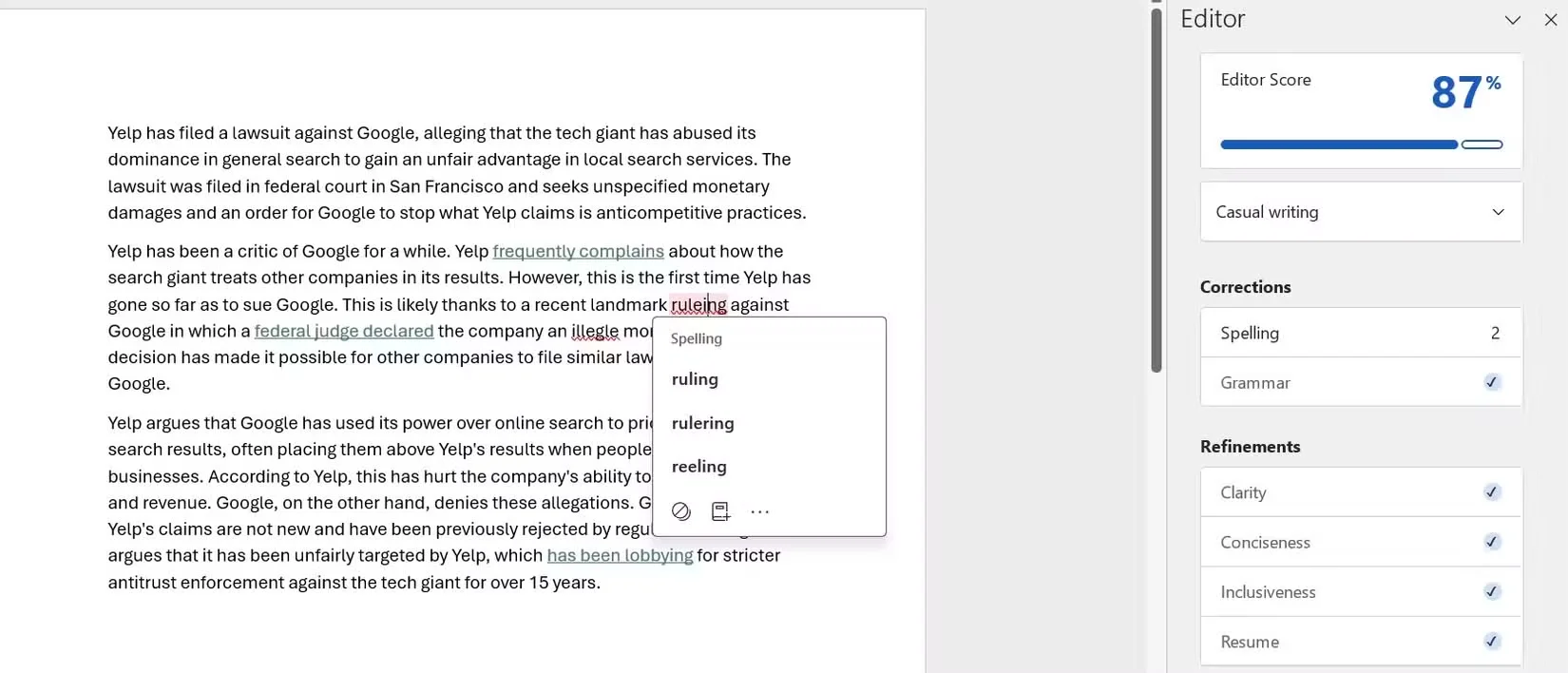
Microsoft Editor offers basic style suggestions.
However, it lacks the sophisticated tone analysis and style customization that makes Grammarly particularly valuable for content creators, marketers, and anyone managing brand communications across multiple platforms.
Winner: Grammarly
Grammarly works virtually everywhere you write—Chrome, Firefox, Edge, and Safari, plus dedicated desktop apps for Windows and macOS. The mobile keyboards for iOS and Android bring grammar checking to any app on your phone. Microsoft Editor’s mobile support is limited to the Microsoft 365 ecosystem apps (Word, Outlook, etc.). You can use Grammarly in Gmail, Google Docs, LinkedIn, Twitter, and countless other web applications seamlessly.
Grammarly offers superior cross-platform support.
Microsoft Editor integrates deeply within the Microsoft ecosystem, offering native support in Word, Outlook, and Edge. If you live in Office apps, this tight integration feels natural and responsive. However, the moment you step outside Microsoft’s walls—composing a tweet, writing in Google Docs, or drafting on your phone—Editor’s reach ends abruptly.
For true cross-platform writing assistance, Grammarly delivers consistency regardless of where you’re typing.
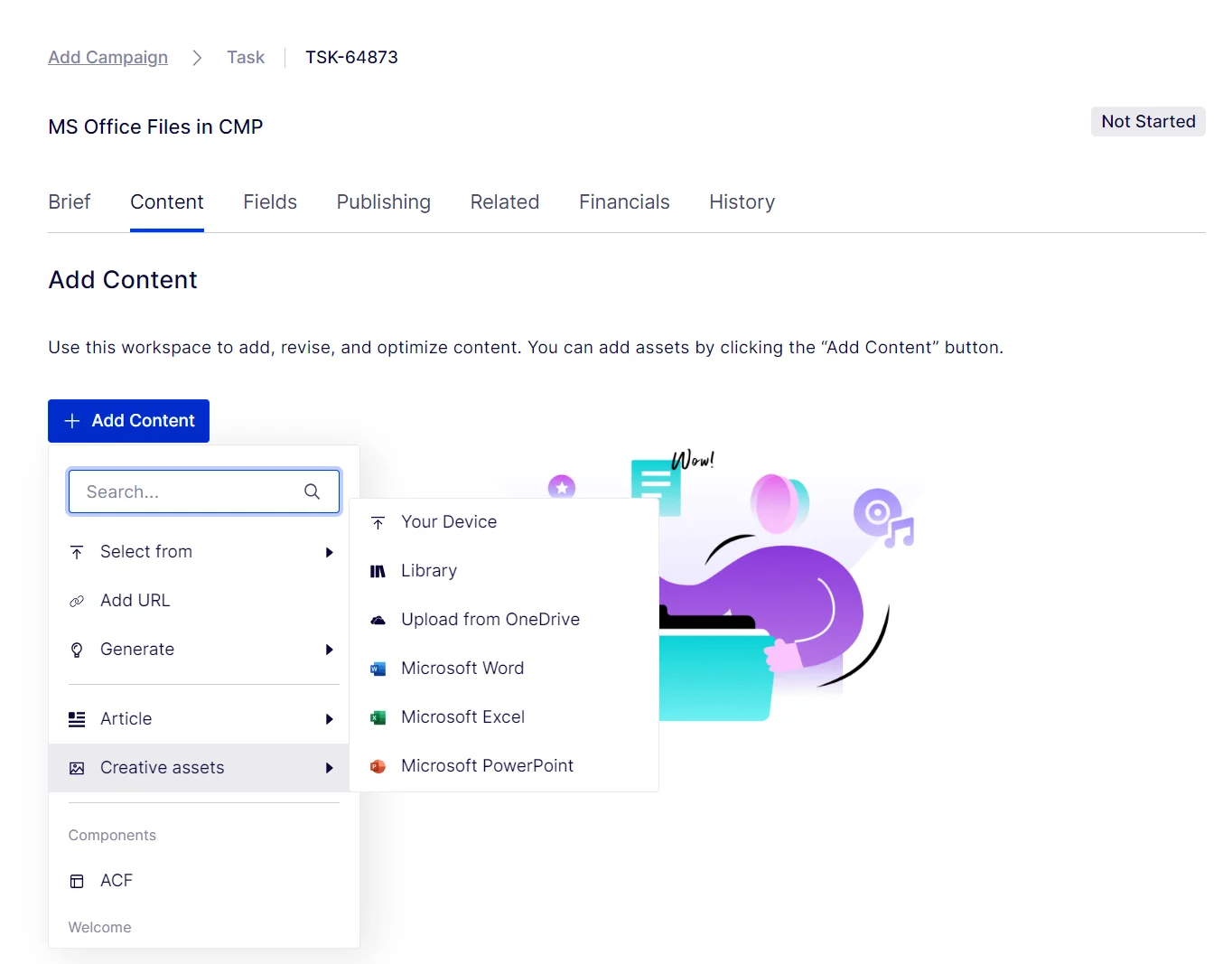
Microsoft Editor integrates deeply with Office apps.
Winner: Grammarly
Both tools include plagiarism detection, but they serve different purposes. Grammarly’s plagiarism checker scans your text against billions of web pages and academic databases, making it ideal for students, researchers, and content creators who need thorough verification. It caught more issues in older academic content during testing.
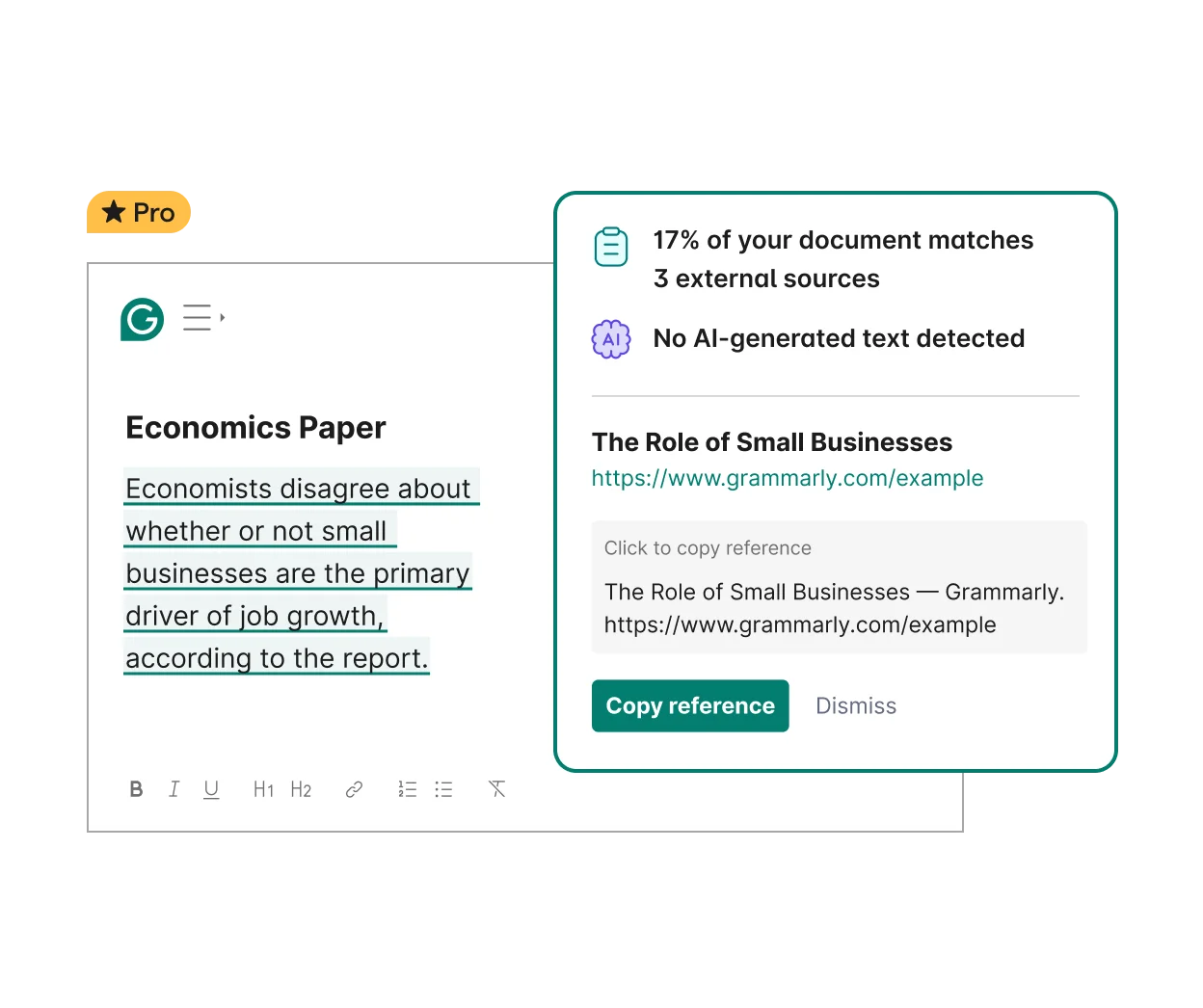
Grammarly offers thorough plagiarism detection.
Microsoft Editor’s similarity checker, powered by Bing, performs better with recent online content—detecting about 70% of newly published material. However, it only found 5% of older academic sources. Grammarly provides more detailed reports showing exactly which sources match your text and the percentage of similarity. Microsoft Editor’s checker feels more basic, offering limited insight into potential matches.
For academic writing or content marketing where originality is critical, Grammarly’s comprehensive database and detailed reporting make it the stronger choice.
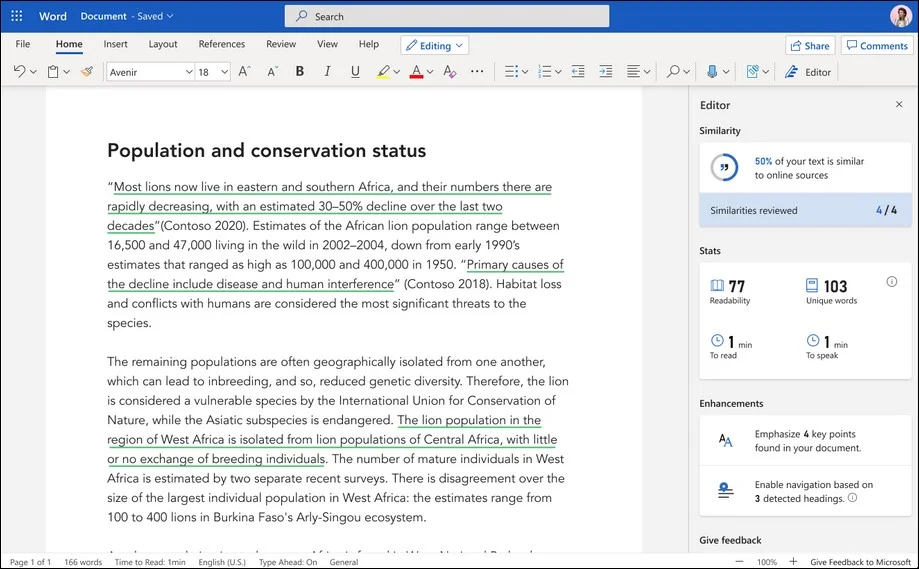
Microsoft Editor provides basic similarity checking.
Winner: Microsoft Editor
Microsoft Editor supports grammar checking in over 20 languages and spelling correction in more than 80 languages, making it genuinely useful for multilingual writers and international teams. You can switch between languages seamlessly while working in Word or Outlook.
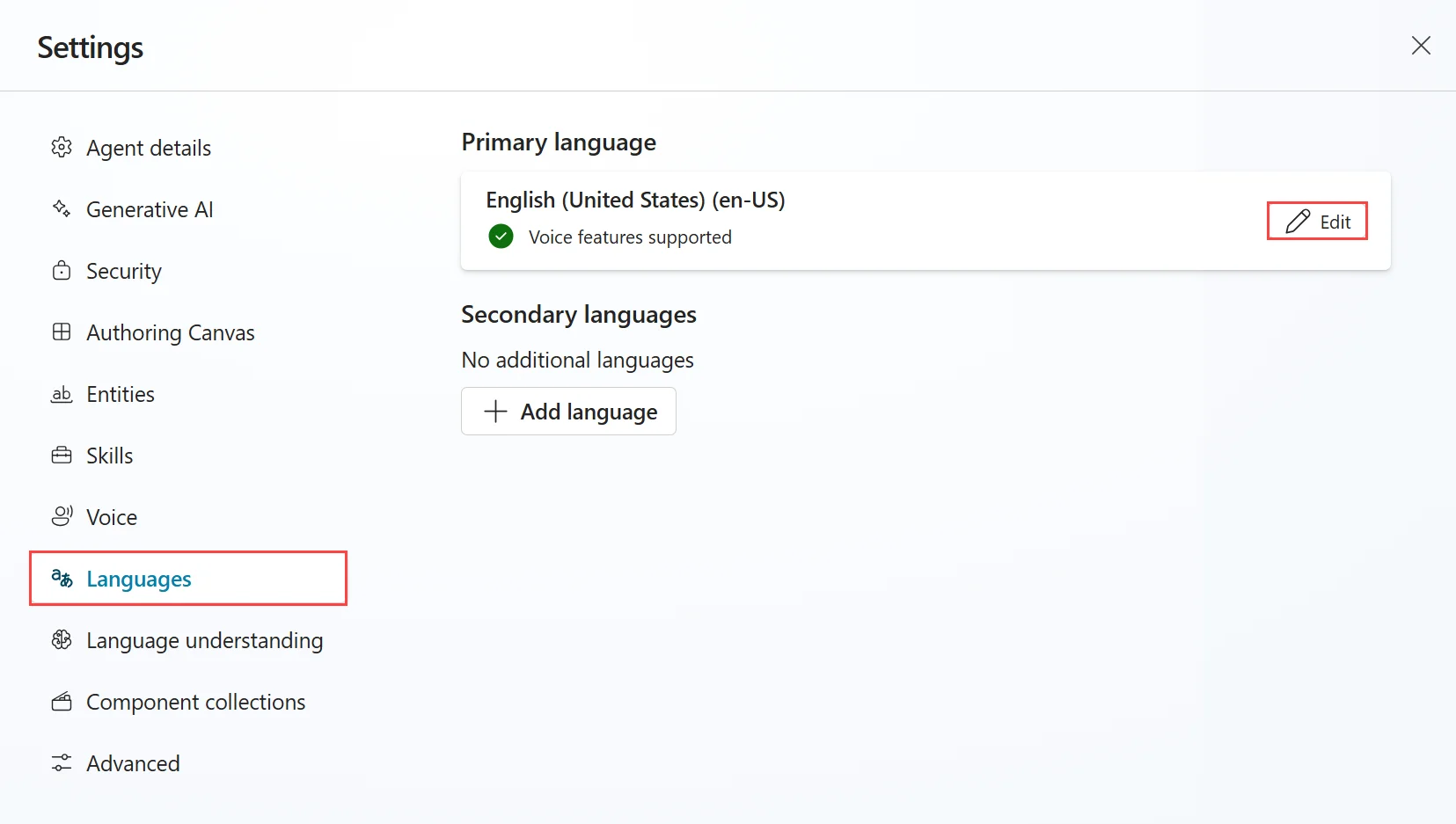
Microsoft Editor supports over 20 languages.
Grammarly focuses exclusively on English, offering four variants (US, UK, Canadian, and Australian) with excellent accuracy for each. This specialization makes Grammarly unbeatable for English writing, but completely unhelpful if you need French, Spanish, German, or any other language support. If you write primarily in English, Grammarly’s depth beats Editor’s breadth.
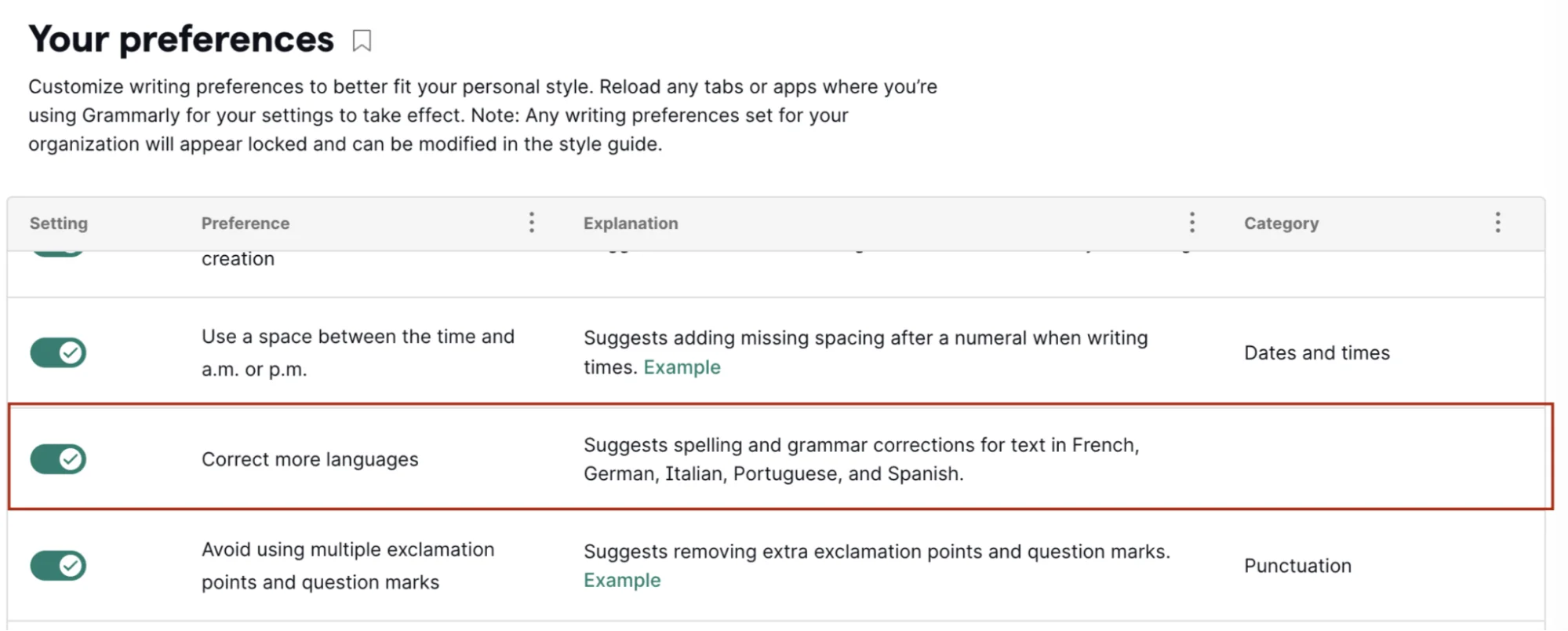
Grammarly focuses exclusively on English writing.
However, for anyone working in multiple languages or supporting global teams, Microsoft Editor vs Grammarly isn’t even a contest—Editor wins by default simply because Grammarly doesn’t participate in the multilingual race.
You may be interested in:
Grammarly vs Hemingway: Which AI Writing Assistant Wins in 2025?
Grammarly vs Copilot: Which AI Writing Assistant Wins in 2025?
| Feature | Microsoft Editor | Grammarly |
|---|---|---|
| Pros | ✅ Included with Microsoft 365 subscription
✅ Deep integration with Word, Outlook, Teams ✅ Supports 20+ languages ✅ Family plan covers 6 users ✅ Comes with 1TB OneDrive storage ✅ No additional cost for Office users |
✅ Superior grammar and spelling accuracy
✅ Works across all platforms (desktop, mobile, web) ✅ Advanced AI writing assistance (GrammarlyGo) ✅ Comprehensive tone and style suggestions ✅ Detailed plagiarism checking ✅ Standalone desktop and mobile apps |
| Cons | ❌ Less accurate grammar detection
❌ No system-wide mobile keyboard (works in Office apps only) ❌ Limited AI capabilities ❌ Basic tone analysis ❌ Requires Microsoft 365 for premium features ❌ English-only for advanced features |
❌ Higher standalone cost ($144/year minimum)
❌ English-only support ❌ Can feel intrusive across system ❌ No cloud storage included ❌ Requires separate subscription ❌ May slow down some applications |
| Factor | Microsoft Editor | Grammarly |
| Free Plan | Yes – Basic spelling and grammar
No time limit, no credit card needed |
Yes – Basic corrections + 100 AI prompts
No time limit, no credit card needed |
| Paid Plans | $9.99/month (Personal plan) or $6.00/month (Business Basic)—both include Office apps | Pro: $12/month (annual) or $30/month
Business: $15/user/month Enterprise: Custom pricing |
| Free Trial | Not applicable (included with 1-month Microsoft 365 trial) | 7-day free trial for Pro is often available (varies by promotion) |
| Refund Policy | 30-day money-back guarantee on Microsoft 365 subscriptions | 7-day refund window after purchase |
| Upgrade/Downgrade | Easy switching between Personal/Family plan
Refund available if canceled within 30 days |
Can upgrade anytime
Downgrade takes effect at renewal No partial refunds |
| Value Consideration | Best value if: You already need Microsoft 365 for Office apps—Editor becomes a free bonus | Worth paying if: Writing quality is your primary need and you write across multiple platforms daily |
Important Insight: Microsoft Editor’s true value lies in bundling—you’re paying for the entire Microsoft 365 ecosystem, not just the writing assistant. Grammarly’s pricing reflects a dedicated, premium writing tool. Calculate whether you need Office apps before comparing; if you only want grammar checking, Grammarly’s Pro at $144/year costs more than Microsoft 365 Personal at $99.99/year, but offers superior writing features

Grammarly Pricing Plan
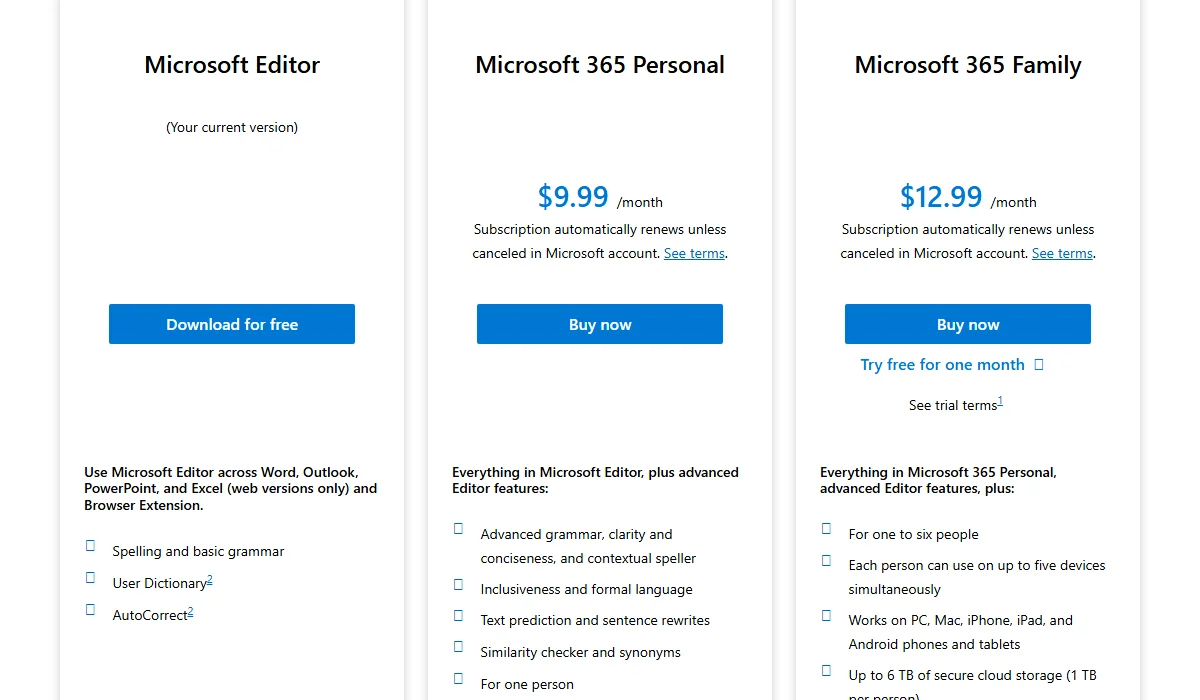
Microsoft Editor Pricing Plan
Before committing to either tool in the Microsoft Editor vs Grammarly decision, evaluate these critical factors:
You may be interested in:
Grammarly vs LanguageTool: Which Grammar Checker Wins in 2025?
10 Best Grammarly Alternatives in 2025
Choose Grammarly if you’re:
Choose Microsoft Editor if you’re:
Want to make the right choice? Try both tools yourself—Grammarly offers a 7-day free trial, and Microsoft Editor comes with any Microsoft 365 trial. Test them with your actual writing to see which feels more natural in your workflow.
You may be interested in:
Grammarly vs ProWritingAid: Which is better for proofreading in 2025?
Wordtune vs Grammarly (2025): Which Is The Best AI Writing Tool?