You’re staring at a blank screen, deadline looming, and wondering which AI tool will actually help you write better, faster. You’ve heard about ChatGPT’s popularity and HyperWrite’s writing-focused features, but which one deserves your time and money? We’ve spent weeks testing both tools to give you the real answer. In this HyperWrite vs ChatGPT comparison, we’ll show you exactly what each tool does best—and which one matches your writing needs.
Before diving deep, here’s what you need to know:
HyperWrite wins for:
ChatGPT wins for:
Bottom line: HyperWrite excels as a writing-specific assistant with browser integration, while ChatGPT offers broader AI capabilities with higher quality output. Your choice depends on whether you need focused writing tools or versatile AI conversations.
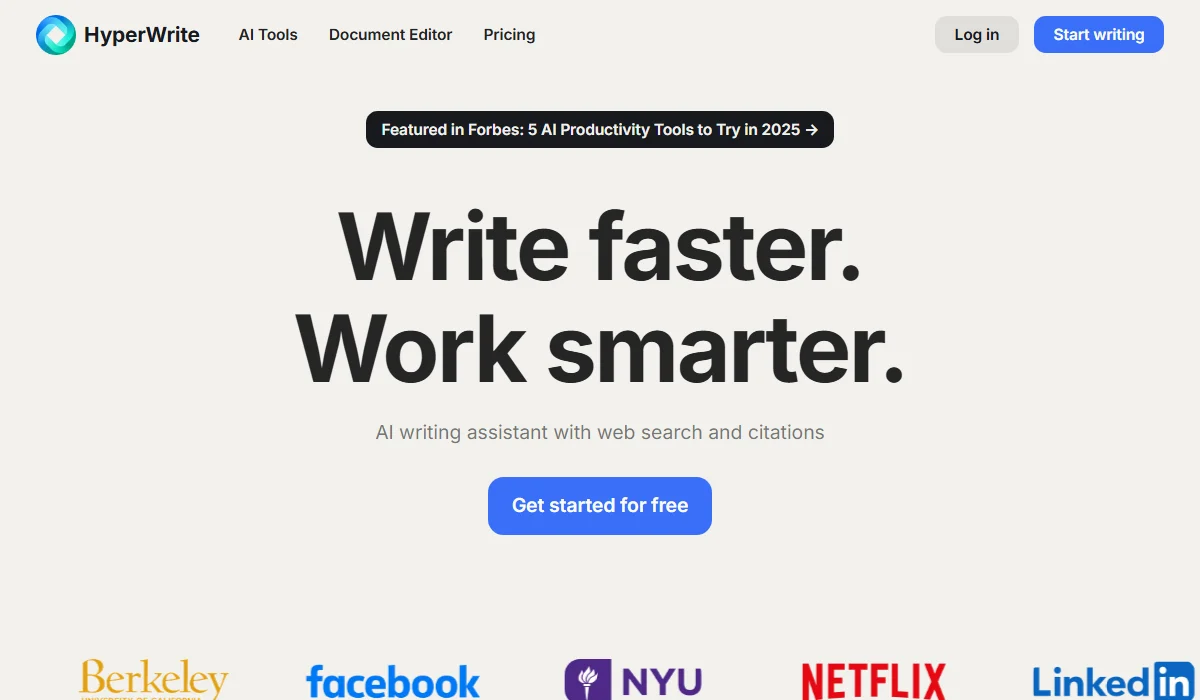
HyperWrite is a browser-based writing assistant with predictive text.
HyperWrite is an AI writing assistant developed by OthersideAI, launched in 2020. It specializes in helping you write directly within your browser using predictive text, automated email responses, and academic research tools. The platform uses multiple AI models, including GPT-4 and custom LLMs, to provide real-time writing suggestions as you type across any website.
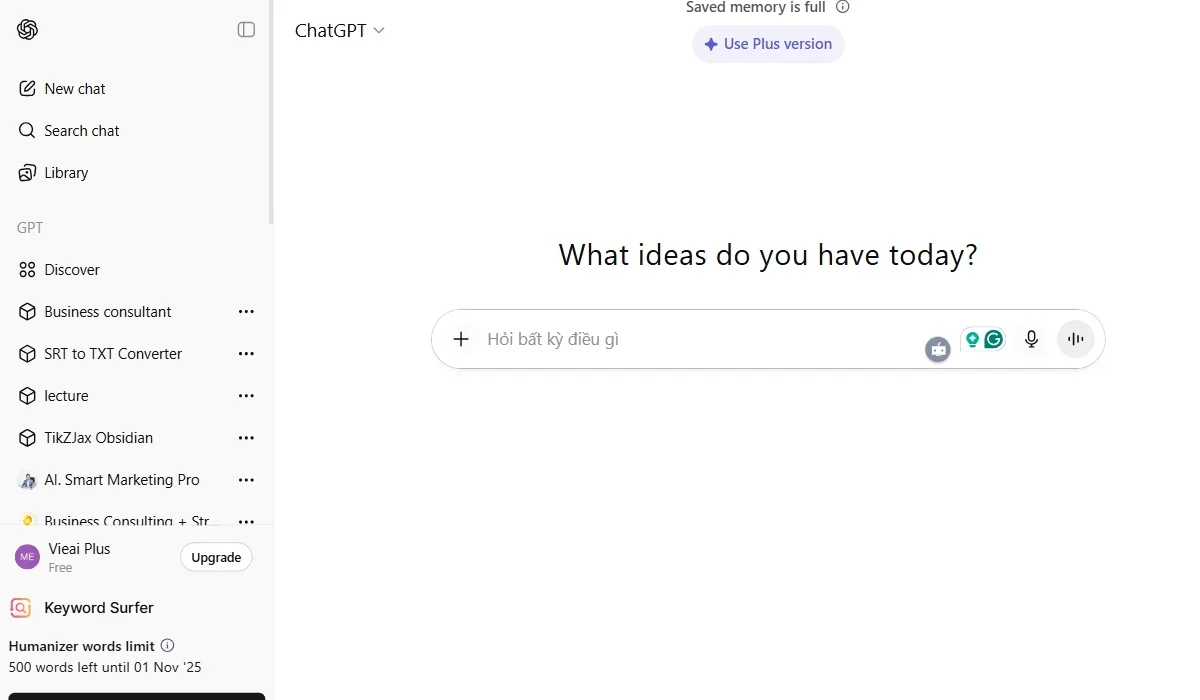
ChatGPT is a versatile conversational AI with advanced multimodal models.
ChatGPT is OpenAI’s conversational AI platform that launched in November 2022 and now serves over 700 million weekly users. It functions primarily as a chat-based interface where you ask questions and receive detailed responses. ChatGPT uses cutting-edge models like GPT-5.1 to handle everything from creative writing to complex coding, video creation with Sora 1, image generation, and voice conversations.
When choosing between these tools, understanding their core differences matters more than chasing feature lists. We’ve tested both platforms extensively, focusing on what actually impacts your daily writing workflow. Let’s examine five critical areas where HyperWrite vs ChatGPT shows the clearest distinctions.
Fast Comparison Table
| Feature | HyperWrite | ChatGPT | Winner |
| Real-time Writing | TypeAhead predictive text | Prompt-based generation | HyperWrite |
| Browser Integration | Chrome extensions everywhere | Limited integration | HyperWrite |
| Personalization | 3-10 custom personas | Memory feature | Tie |
| AI Agents | Basic personal assistant | Advanced autonomous tasks | ChatGPT |
| Research & Citations | Scholar AI with auto-citations | Manual citation needed | HyperWrite |
Winner: HyperWrite
HyperWrite’s TypeAhead feature offers something ChatGPT simply doesn’t: real-time sentence completion as you type. Imagine writing an email in Gmail, and before you finish your thought, HyperWrite suggests the next 3-5 words based on your writing style and context. You press Tab to accept and keep flowing without breaking your rhythm. This works across any text field in your browser—LinkedIn posts, Google Docs, Twitter, everywhere.
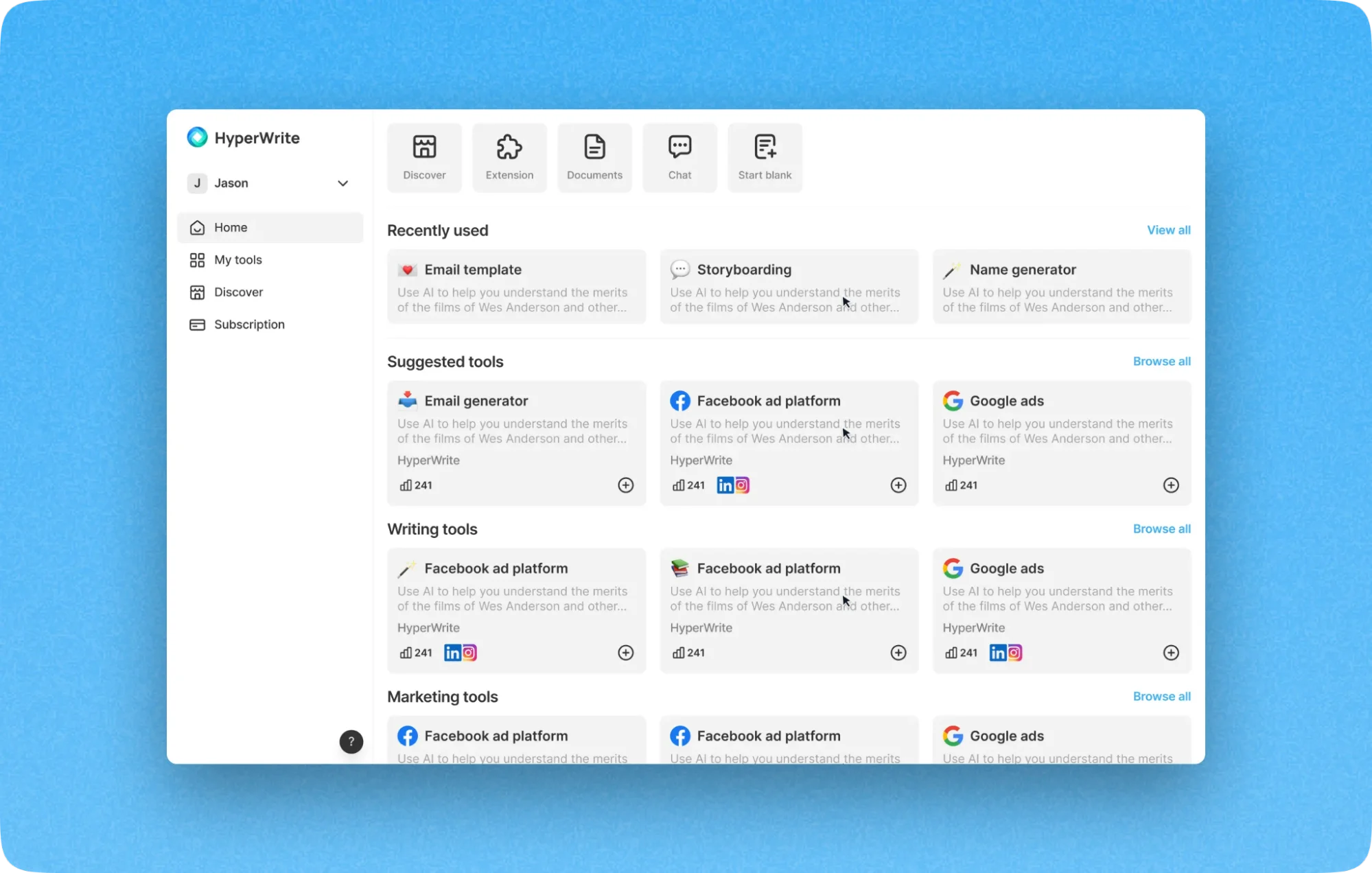
HyperWrite’s TypeAhead feature offers real-time sentence completion.
ChatGPT takes a fundamentally different approach. You write a prompt, send it, wait for a response, then copy-paste the result. While ChatGPT’s output quality is typically higher, the workflow interrupts your natural writing process. For quick emails or social media posts, this back-and-forth feels cumbersome compared to HyperWrite’s seamless suggestions. However, for longer content requiring deep thought, ChatGPT’s conversational refinement proves more valuable.
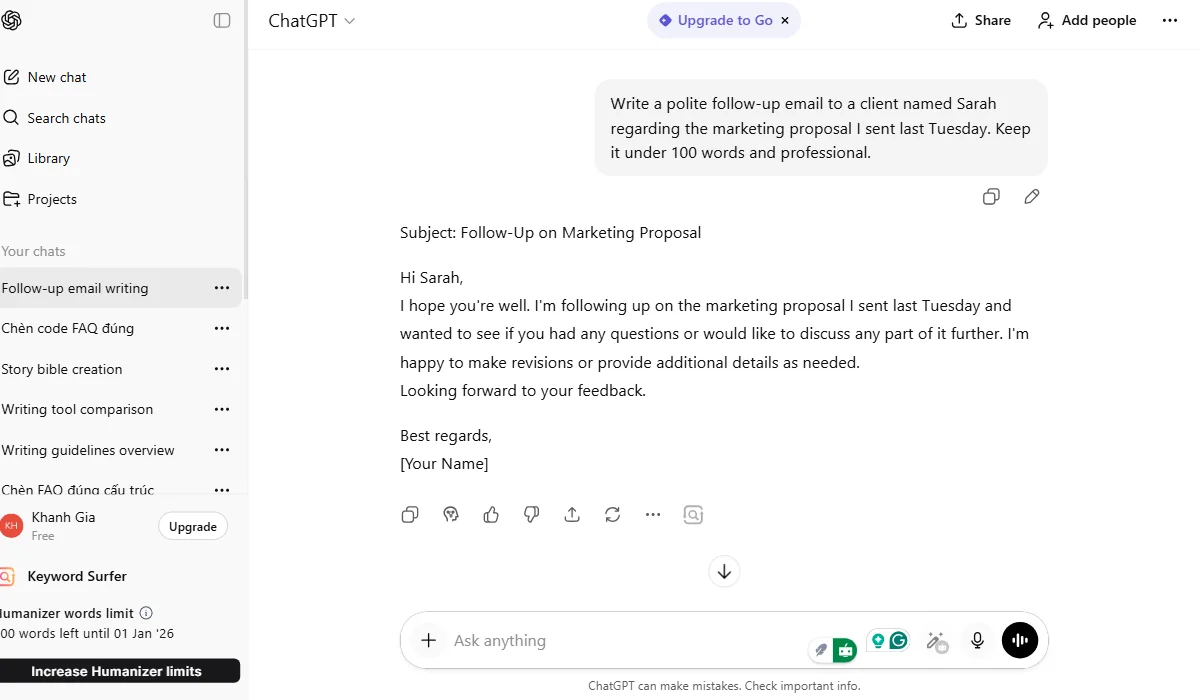
ChatGPT uses a prompt-based workflow for higher quality output.
HyperWrite’s Chrome extension integrates AI assistance directly into your existing workflow without requiring you to switch tabs or applications. You’re composing an email in Gmail, and with one click, HyperWrite can draft a professional response, adjust the tone, or expand your thoughts. The extension recognizes the context of what you’re writing and offers relevant AI tools instantly.

HyperWrite’s extension integrates AI directly into the workflow.
ChatGPT offers limited browser integration. You must open a separate tab, paste your content, describe what you need, then copy the results back. This context-switching breaks concentration and adds friction to your workflow. While ChatGPT launched a sidebar feature in some browsers, it doesn’t match HyperWrite’s native integration depth. For users who write across multiple platforms daily—email, documents, social media—HyperWrite vs ChatGPT clearly favors HyperWrite’s extension-first design.
Winner: HyperWrite
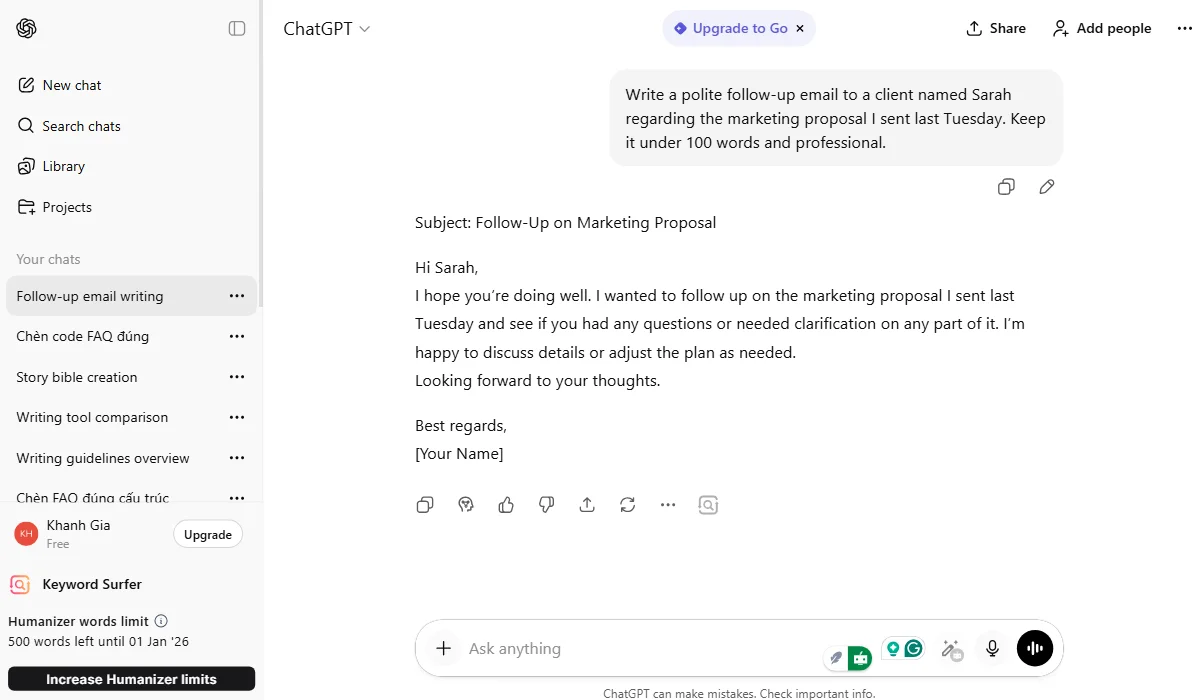
ChatGPT’s limited browser integration requires context-switching.
Both tools handle personalization differently, each with unique strengths. HyperWrite lets you create 3 custom personas (Premium) or 10 personas (Ultra) by uploading writing samples. The AI learns your sentence structure, vocabulary, and tone preferences. If you’re a marketer managing multiple client voices, you can switch personas to match each brand instantly without re-explaining your style.
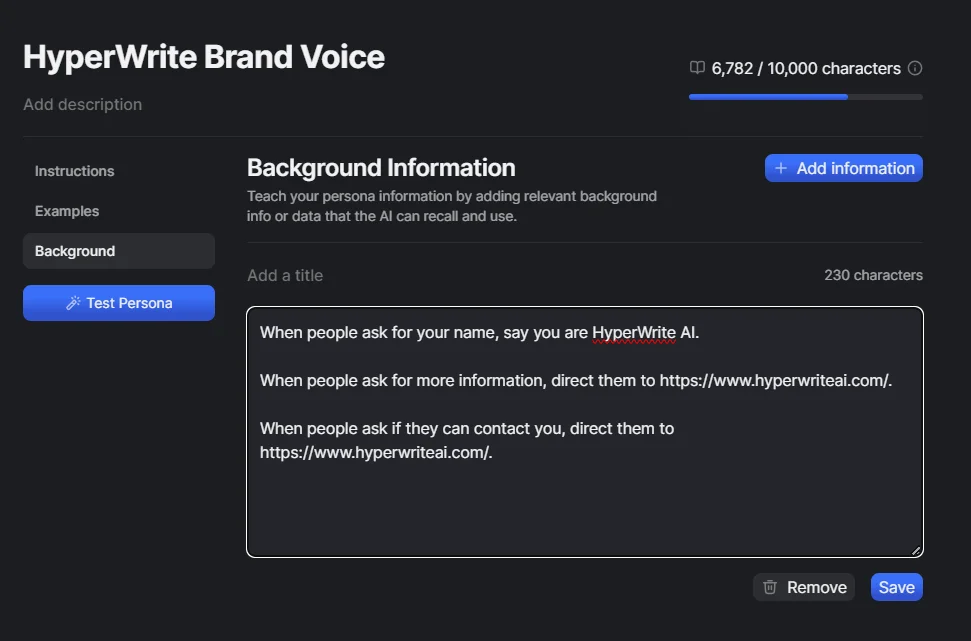
HyperWrite allows custom personas for consistent brand voice.
ChatGPT uses its Memory feature to learn from your conversations over time. Tell it once that you prefer casual language with minimal jargon, and it remembers across sessions. ChatGPT Plus users can also create Custom GPTs—specialized versions trained for specific tasks like email writing or blog creation. The difference? HyperWrite offers explicit persona switching, while ChatGPT provides implicit learning. Both approaches work well; your preference depends on whether you want manual control or automatic adaptation.
Winner: Tie
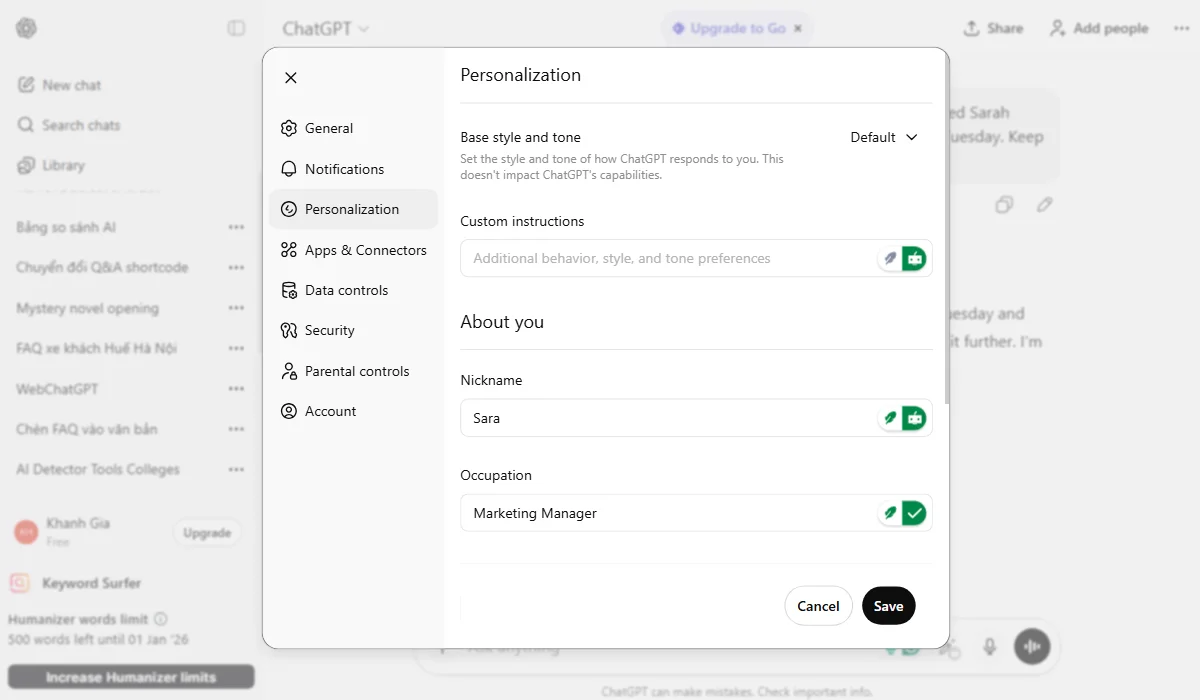
ChatGPT uses Memory and Custom GPTs for implicit personalization.
This is where ChatGPT significantly outperforms HyperWrite. ChatGPT’s advanced models, particularly the GPT-5.1 and the Codex Agent, can handle complex multi-step reasoning tasks autonomously. Ask it to “analyze this dataset, identify trends, create visualizations, and draft a report,” and it executes each step logically. The AI can write code, debug errors, explain its reasoning process, and iterate on solutions without constant hand-holding.
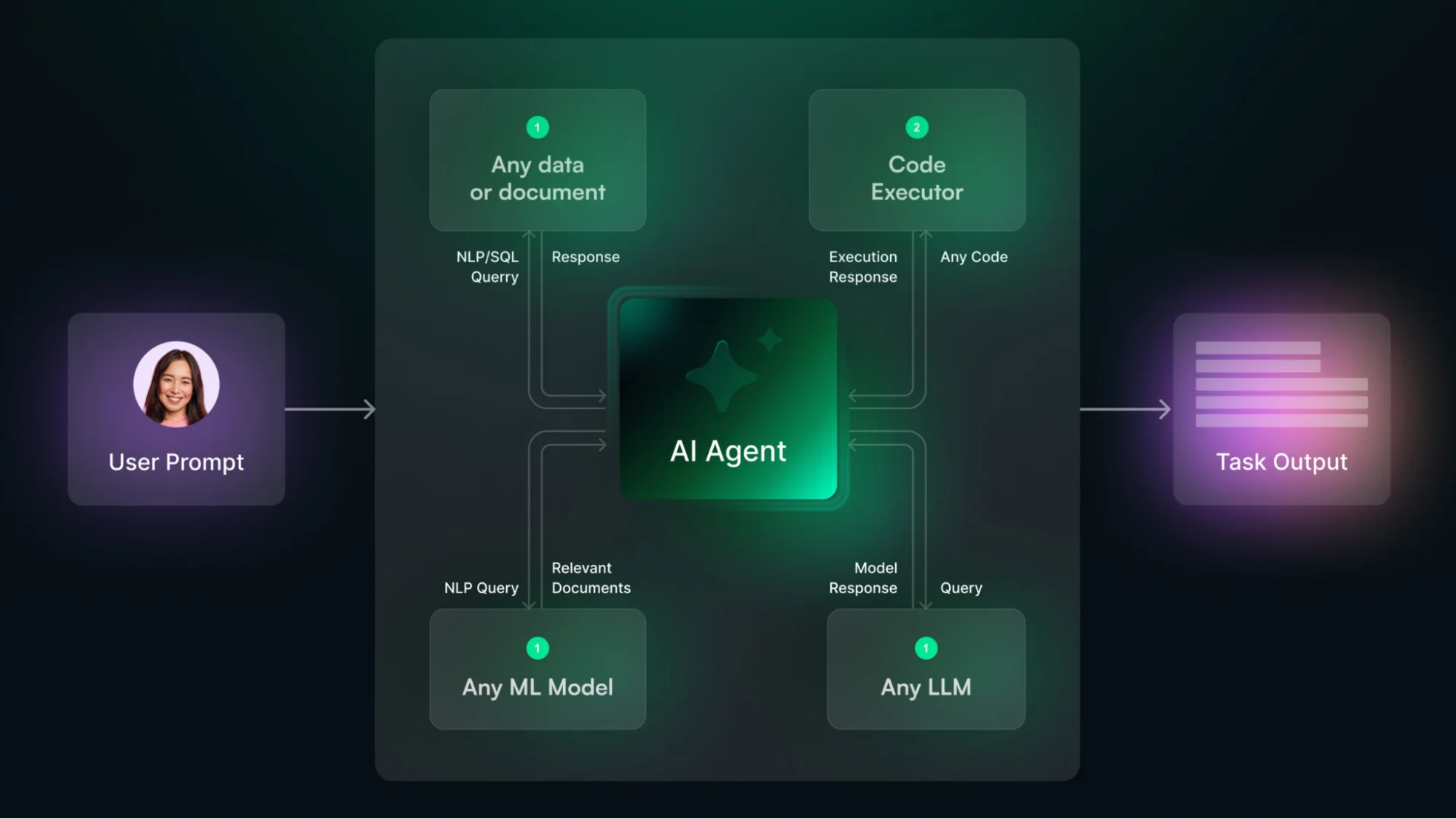
ChatGPT excels at complex autonomous reasoning and coding.
HyperWrite offers basic personal assistant features—it can help book flights or order food through web interactions—but lacks the sophisticated reasoning capabilities ChatGPT provides. For tasks requiring deep analysis, coding, or complex problem-solving, ChatGPT’s autonomous execution makes it the clear choice. HyperWrite vs ChatGPT in this category isn’t close; ChatGPT’s infrastructure is built for general intelligence, while HyperWrite focuses specifically on writing assistance.
Winner: ChatGPT
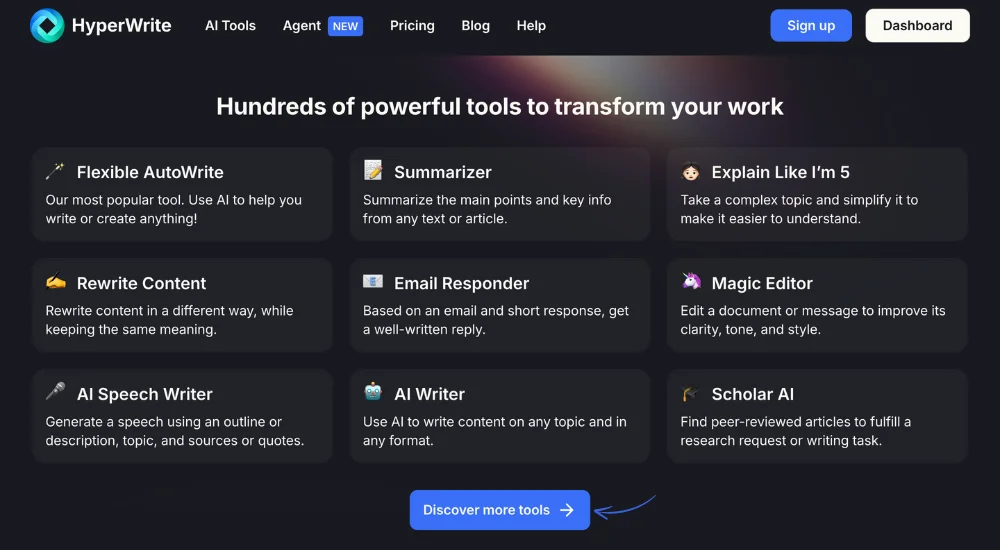
HyperWrite lacks sophisticated reasoning for complex problem-solving.
HyperWrite’s Scholar AI searches through millions of peer-reviewed academic papers and automatically generates proper citations. If you’re writing a research paper or need credible sources, Scholar AI finds relevant studies, pulls key quotes, and formats citations correctly. This saves hours of manual research and eliminates citation formatting headaches.
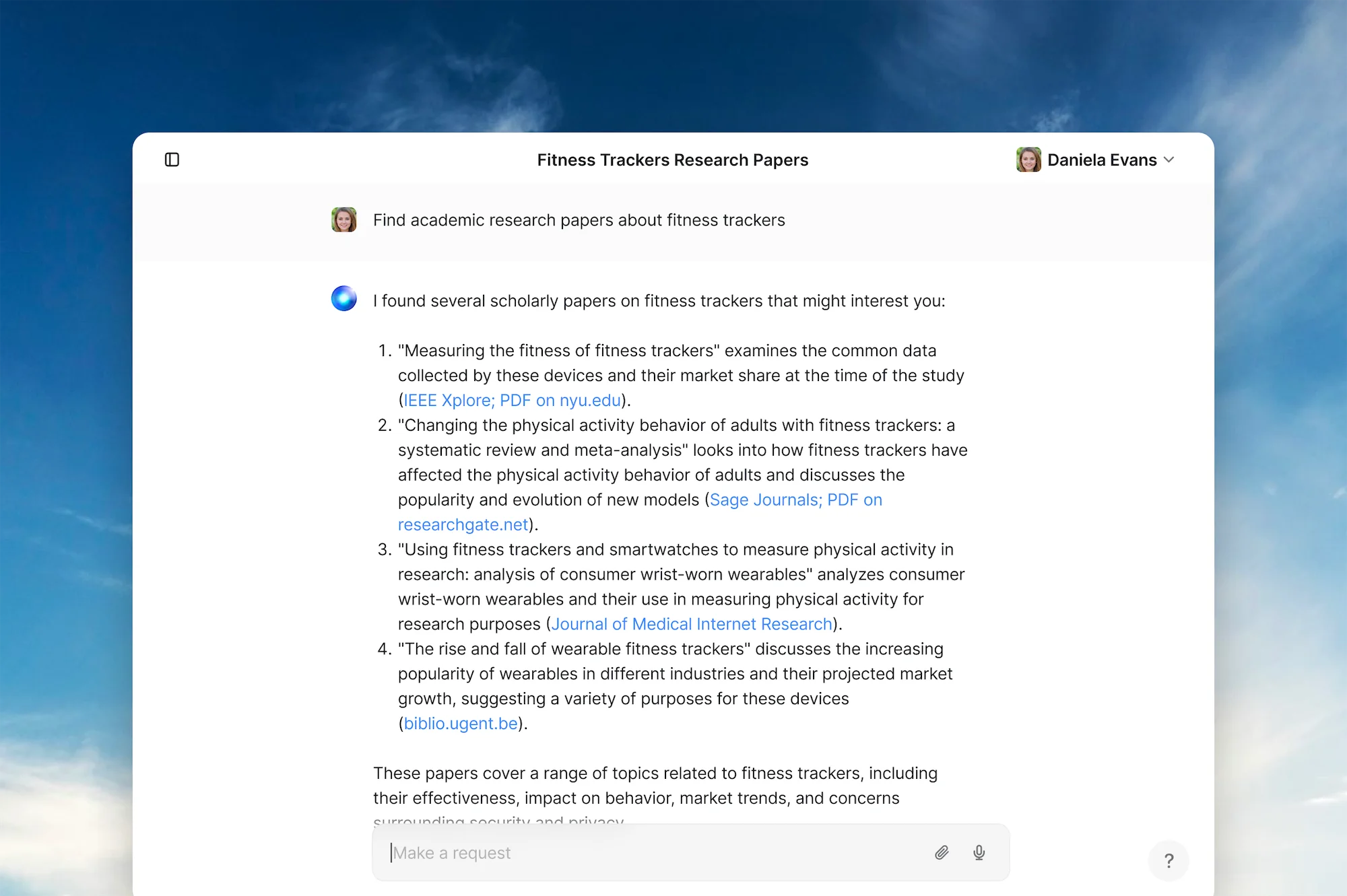
HyperWrite’s Scholar AI automatically generates academic citations.
ChatGPT can browse the web and provide information from current sources, but you must manually verify and format citations. While ChatGPT Plus includes web browsing capabilities, it doesn’t specialize in academic research the way HyperWrite does.
For students, researchers, or professionals who frequently cite sources, HyperWrite’s dedicated research tools provide significant value. The built-in plagiarism checker adds another layer of credibility verification that ChatGPT lacks entirely.
Winner: HyperWrite

ChatGPT requires manual citation and lacks a plagiarism checker.
You may be interested in:
Sudowrite vs ChatGPT: Which AI Writing Assistant Wins in 2025?
ProWritingAid vs ChatGPT: Which is the best for Writers in 2025?
| HyperWrite |
ChatGPT |
|
| Pros | ✅ Real-time TypeAhead suggestions
✅ Works on any website via extension ✅ Academic research with citations ✅ Built-in plagiarism checker ✅ Affordable pricing ✅ Personal assistant features |
✅ Superior content quality
✅ Multimodal (text, image, voice) ✅ 1000+ custom GPTs ✅ Advanced reasoning (o1 models) ✅ Mobile & desktop apps ✅ Massive community support |
| Cons | ❌ Lower output quality
❌ No mobile app ❌ Smaller feature set ❌ Less versatile ❌ Limited plugin ecosystem ❌ Limited video/multimedia generation |
❌ No native browser extension
❌ Requires manual prompting ❌ No built-in citations ❌ No plagiarism checking ❌ More expensive for Pro tier ❌ Chat-only interface |
| Aspect | HyperWrite | ChatGPT |
| Free Plan | Available, limited features
No credit card required |
Available (Standard Intelligence model)
No credit card required |
| Free Trial | Try premium features with limited messages | A 14-day trial is sometimes offered for Plus |
| Mid-Tier Plan | Premium: $19.99/month
($16/month annual) 250 AI messages/month |
Plus: $20/month
Unlimited messages (rate limited) |
| Top-Tier Plan | Ultra: ~$36.99/month (or $29/month billed annually) | Pro: $200/month
Unlimited with priority |
| Refund Policy | No explicit policy was stated
Contact support for issues |
No refunds after purchase
Cancel anytime (no prorated refunds) |
| Upgrade/Downgrade | Flexible, takes effect next cycle
No prorated charges |
Instant upgrade
Downgrade at cycle end |
| Student Discount | Available (contact sales) | Not offered |
| Key Limitation | Premium limited to 250 messages
May run out mid-month |
Rate limits during high traffic
Can feel slow on the free plan |
Key Insight: HyperWrite’s annual plan offers better value at $16/month compared to ChatGPT’s fixed $20/month. However, if you need unlimited access and can afford it, ChatGPT’s quality justifies the cost. For students and budget-conscious users, HyperWrite’s student discount and lower pricing make it more accessible.

ChatGPT Pricing Plan
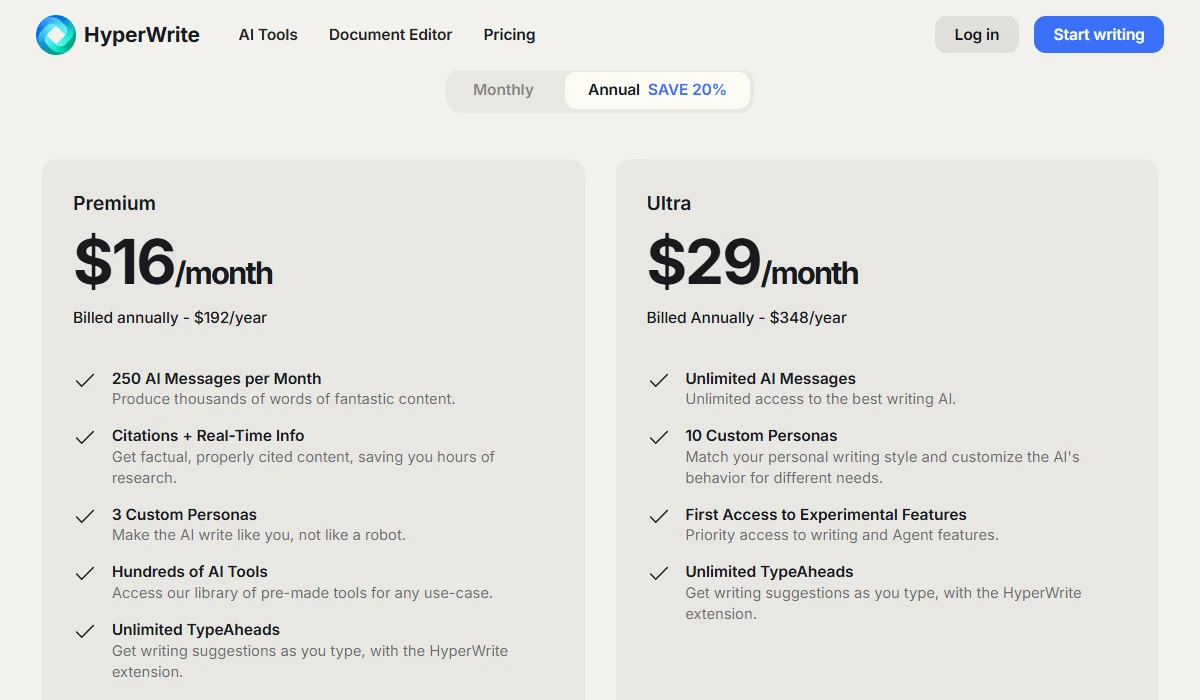
HyperWrite Pricing Plan
Before committing, evaluate these critical factors to match the right tool to your specific workflow:
You may be interested in:
Anyword vs ChatGPT: Which is the best for Writers in 2025?
Copy AI vs ChatGPT (2025): Which is the best AI Writing Tool?
Choose HyperWrite if you’re:
Choose ChatGPT if you’re:
Or use both strategically:
Ready to boost your writing productivity? Try both tools today and share your experience in the comments below. Subscribe to TechDictionary for more AI tool comparisons that help you work smarter, not harder.
You may be interested in:
GravityWrite vs ChatGPT (2025): Which is the best AI Writing Tool?
Wordtune vs ChatGPT (2025): Which is the best AI Writing Assistant?