You’re staring at an important email, unsure if your grammar is perfect. You’ve heard about Grammarly vs LanguageTool, but which one actually catches those tricky mistakes? Whether you’re a student polishing essays or a professional crafting proposals, choosing the wrong tool could mean embarrassing errors slipping through. We’ve tested both extensively, and in this honest comparison, we’ll show you exactly which grammar checker deserves your time and money.
Before diving deep, here’s what you need to know:
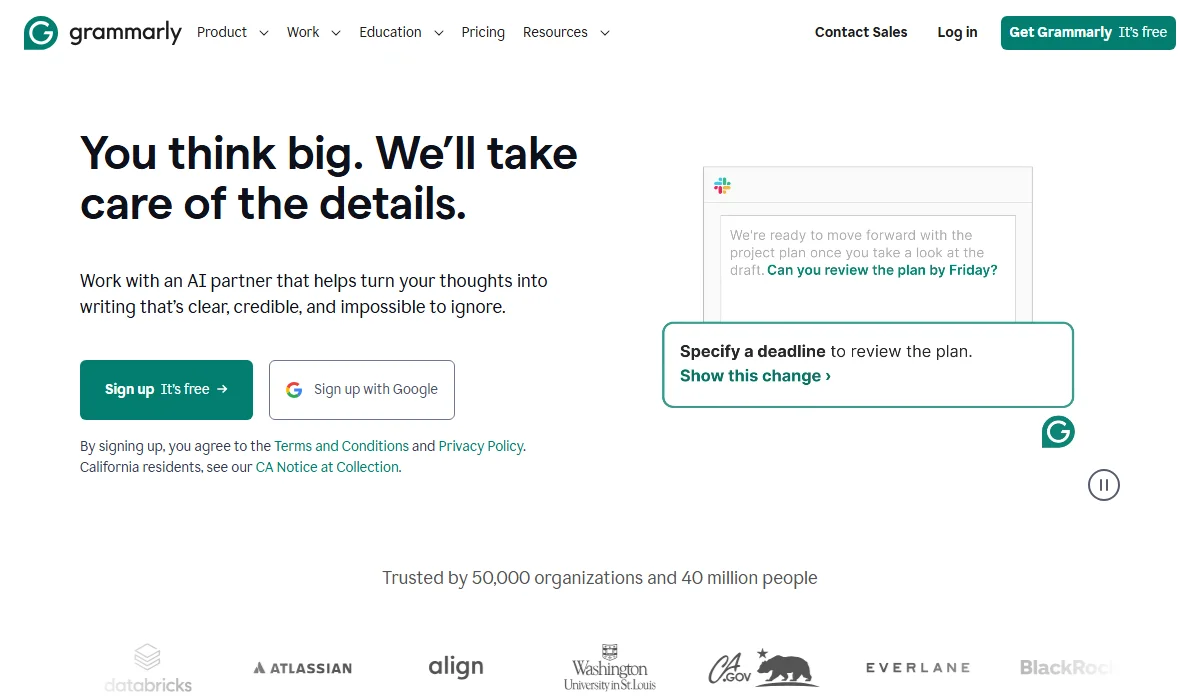
Grammarly focuses on AI-powered English writing, style, and plagiarism detection.
Grammarly is an AI-powered writing assistant launched in 2009. It focuses exclusively on English writing, offering grammar correction, style improvements, tone adjustments, and plagiarism detection. With 30 million users and 70,000 businesses relying on it, Grammarly uses advanced artificial intelligence to help writers produce polished, professional content across emails, documents, and social media platforms.
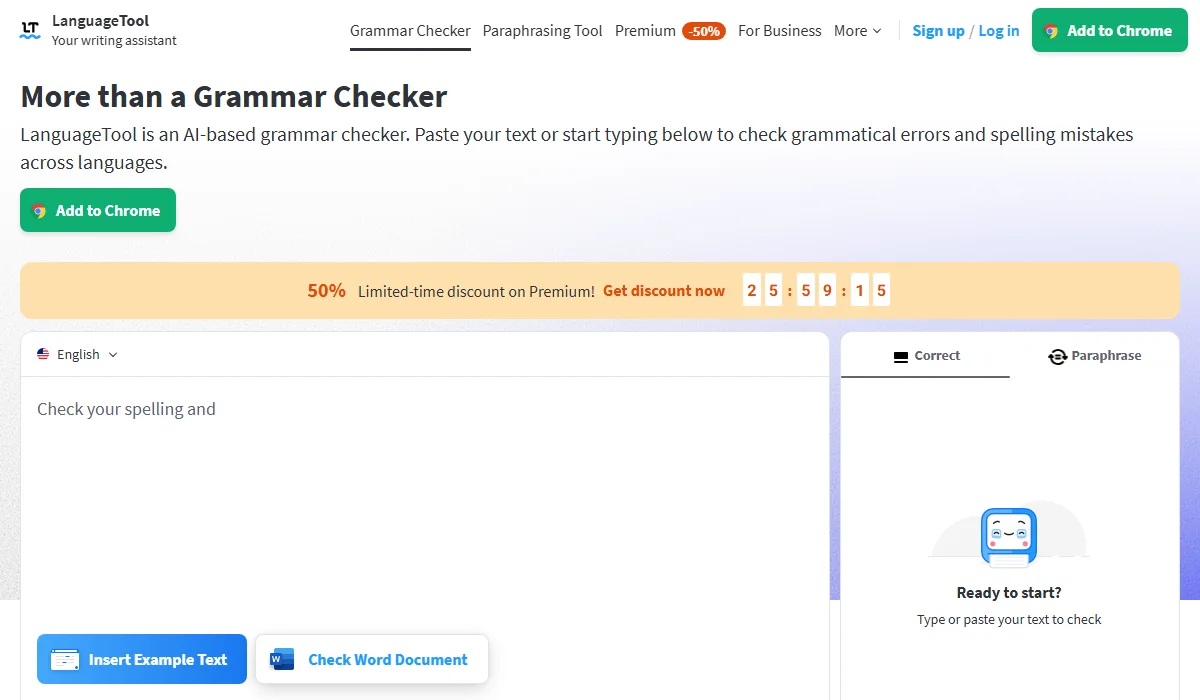
LanguageTool is an open-source grammar checker supporting 30+ languages and GDPR.
LanguageTool is an open-source grammar checker founded in 2003, supporting over 30 languages, including English, Spanish, German, French, and Portuguese. It serves more than 4 million Chrome users and offers privacy-focused writing assistance compliant with European GDPR standards. LanguageTool provides grammar checking, style suggestions, and AI-powered paraphrasing while processing text securely without permanently storing it on their servers (unlike some competitors).
When comparing these grammar checkers, we found distinct strengths that set them apart. Understanding these differences helps you match the right tool to your specific writing needs. Let’s examine how they perform across seven critical areas.
Fast Comparison Table
|
Feature |
Grammarly | LanguageTool |
Winner |
| Grammar Accuracy | 90% basic, 75% complex | High overall accuracy | Grammarly |
| Style & Tone | Advanced AI-powered suggestions | Style checking available | Grammarly |
| Generative AI | GrammarlyGo with 2,000 prompts | Paraphrasing tool | Grammarly |
| Plagiarism Checker | Checks 16 billion pages | Not available | Grammarly |
| Language Support | English only (3 variants) | 30+ languages | LanguageTool |
| Privacy & Data | US servers store data | GDPR-compliant, no storage | LanguageTool |
| Pricing | $12/month (annual) | $4.99/month (annual) | LanguageTool |
Grammarly detects approximately 90% of basic mistakes and 75% of complex grammatical issues, making it highly reliable for English writing. Its AI engine excels at catching subject-verb agreement errors, improper tense usage, and subtle punctuation problems.
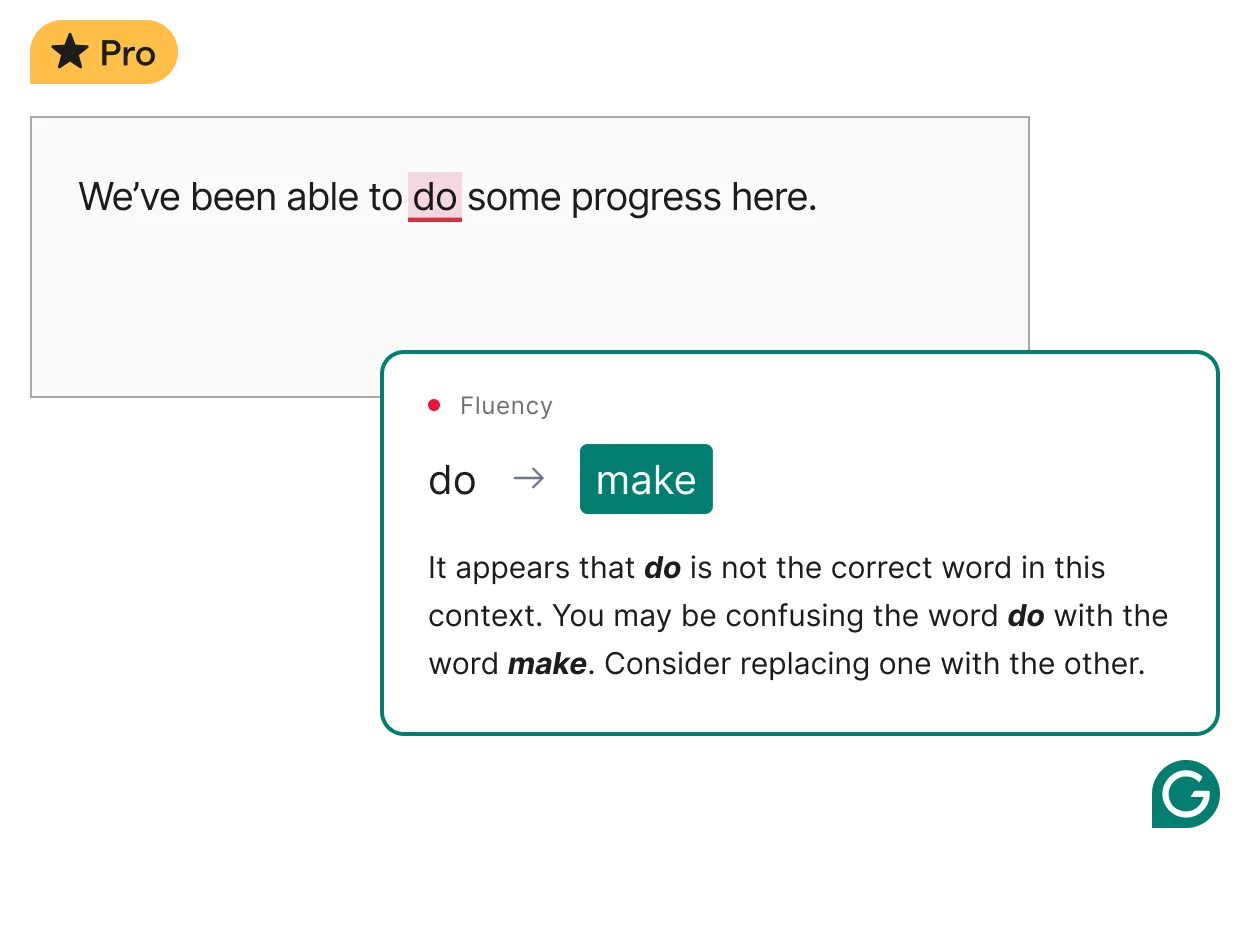
Grammarly’s AI detects 90% of basic and 75% of complex English grammar errors.
LanguageTool also provides strong accuracy, particularly excelling at hyphenation detection and catching typos that form other valid words—errors Grammarly sometimes misses. However, LanguageTool’s multilingual focus means its English-specific detection isn’t quite as refined. For pure English accuracy, Grammarly takes the lead with more sophisticated error identification and contextual understanding.
Winner: Grammarly
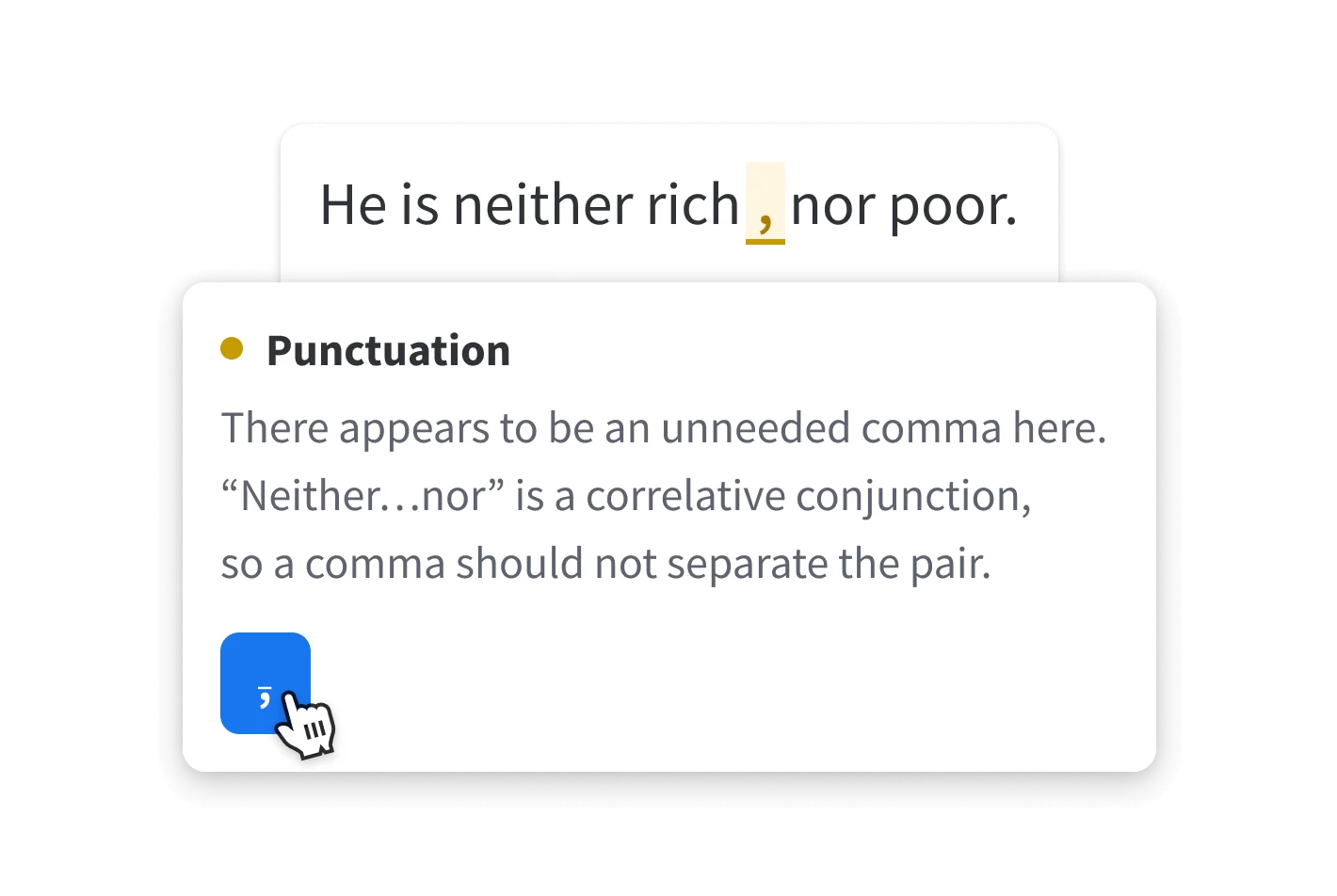
LanguageTool excels at hyphenation but is less refined for pure English accuracy.
Grammarly’s style analysis goes beyond basic grammar by evaluating your writing tone—whether it sounds confident, friendly, formal, or urgent. The Premium plan offers full-sentence rewrites and brand tone customization, helping you maintain consistency across communications. It identifies wordiness, passive voice, and unclear phrasing with actionable suggestions.
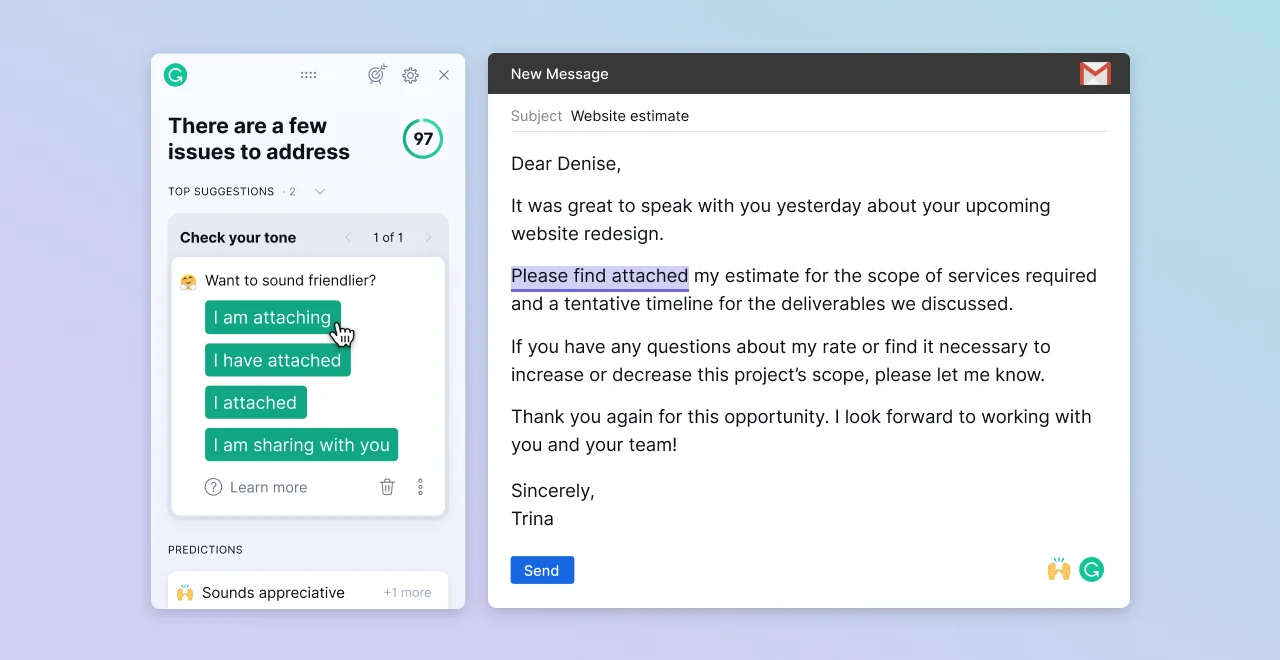
Grammarly provides advanced style and tone analysis with premium sentence rewrites.
LanguageTool provides style checking by flagging overused phrases, redundant words, and improper word choices through blue underlines. While functional, it lacks the depth of Grammarly’s tone detection and doesn’t offer the same level of clarity improvements. For writers who need sophisticated style guidance, Grammarly delivers a more comprehensive solution.
Winner: Grammarly
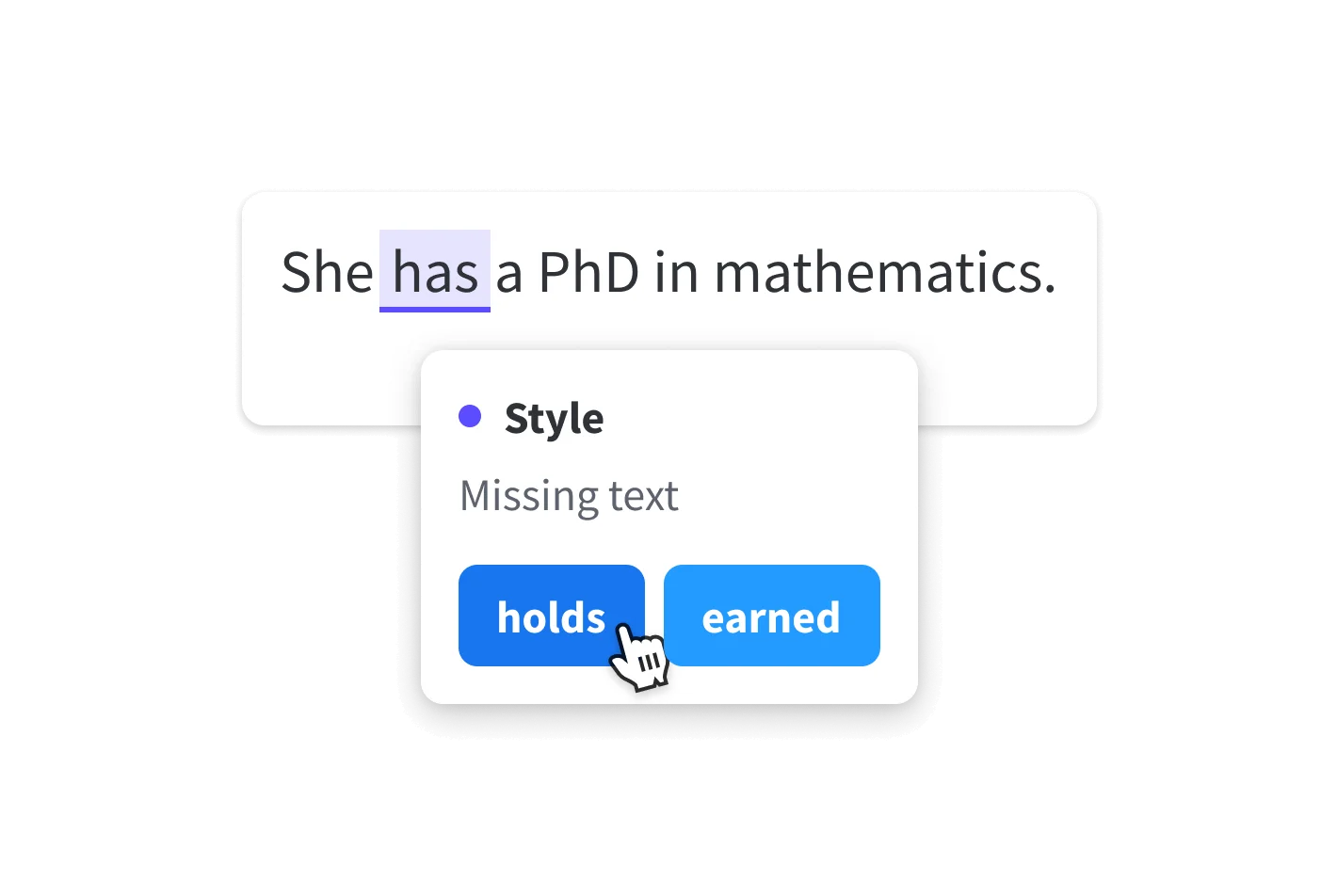
LanguageTool’s style checking is functional but lacks Grammarly’s tone detection.
Grammarly’s GrammarlyGo offers robust generative AI capabilities with 2,000 monthly prompts on the Premium plan, allowing you to generate content, brainstorm ideas, and rewrite passages in different styles. It can create entire paragraphs based on brief instructions and adapt text for various audiences.
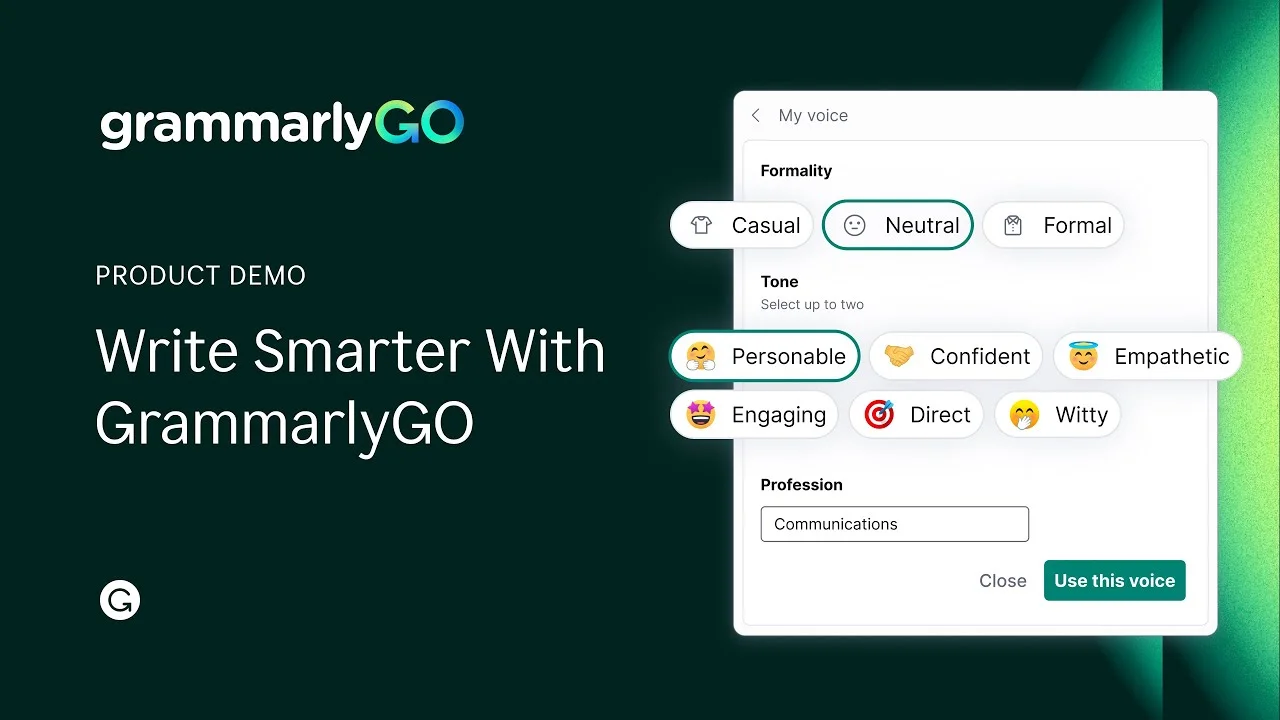
GrammarlyGo offers robust generative AI with 2,000 monthly prompts.
LanguageTool provides AI-powered paraphrasing with unlimited rephrasing for premium users, letting you make sentences simpler, shorter, or more formal. However, it focuses specifically on paraphrasing rather than broader content generation. While both tools enhance writing productivity, Grammarly’s versatile AI assistant offers more creative possibilities for content creation and text transformation.
Winner: Grammarly
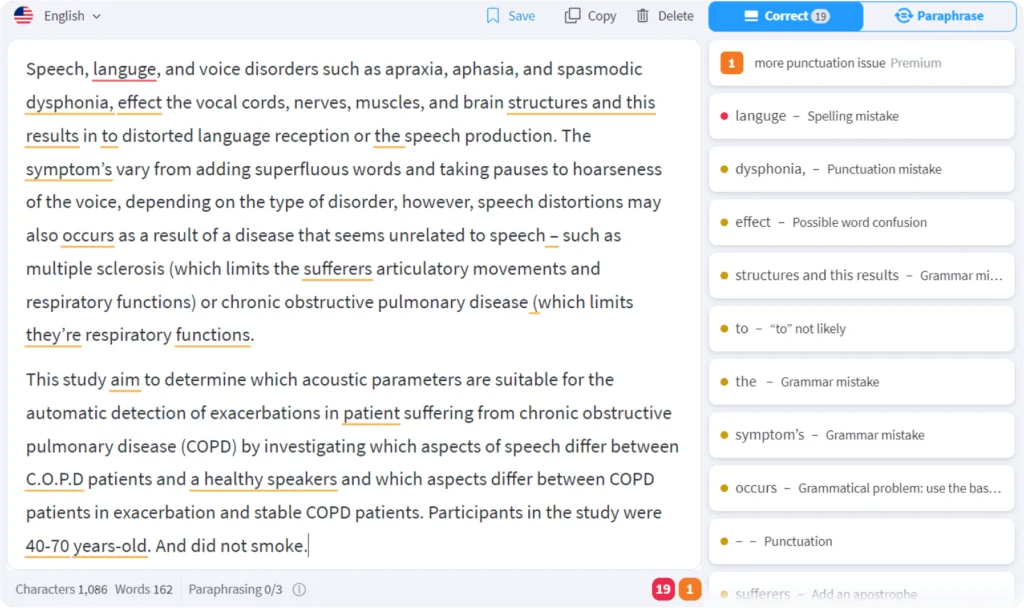
LanguageTool offers unlimited paraphrasing but lacks Grammarly’s generative AI.
Grammarly includes a plagiarism detector that scans over 16 billion web pages, helping you ensure originality in academic papers, articles, and professional documents. This feature is available on Premium and Enterprise plans, providing detailed reports showing matching content sources. It’s particularly valuable for students, journalists, and content creators who must verify their work’s uniqueness.

Grammarly’s plagiarism checker scans 16 billion pages for originality reports.
LanguageTool offers limited plagiarism detection for Premium users, whereas Grammarly provides a more robust and unlimited checker for its paid subscribers. If plagiarism checking is essential to your workflow, Grammarly is your only option between these two tools.
Winner: Grammarly
LanguageTool supports over 30 languages, including English, Spanish, German, French, Dutch, Portuguese, Polish, Russian, and many others, with automatic language detection switching seamlessly between languages as you type. This makes it invaluable for multilingual writers, translators, and international teams working across different markets.
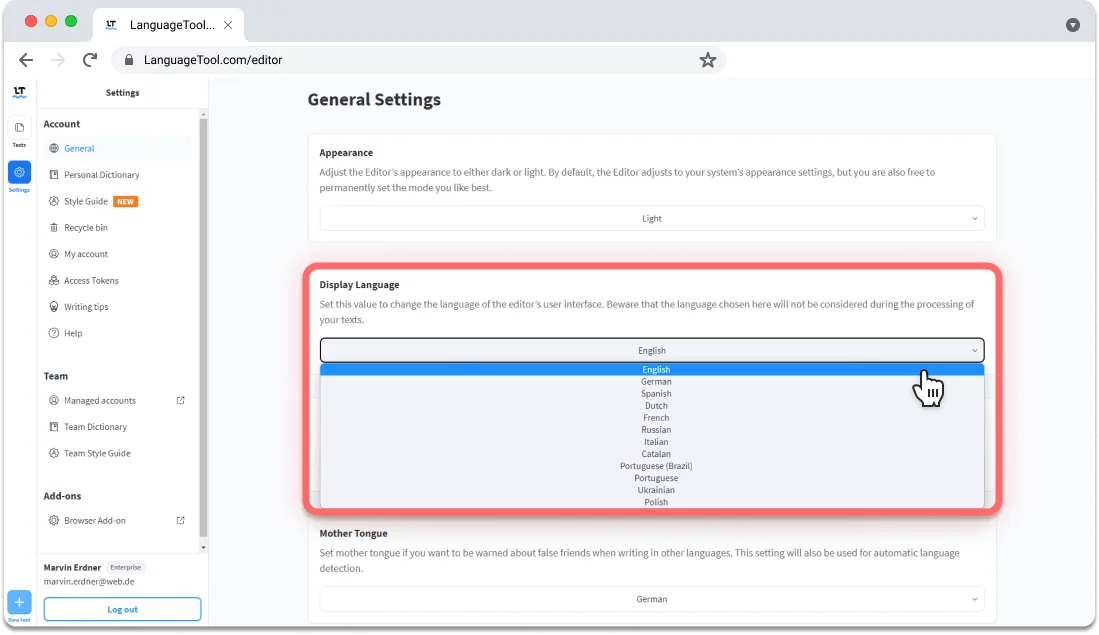
LanguageTool supports 30+ languages, ideal for multilingual writers and teams.
Grammarly offers American, British, Canadian, Australian, and Indian English variants. For anyone writing in non-English languages or regularly switching between languages, LanguageTool is the clear winner. Its multilingual capability represents a fundamental advantage that Grammarly simply cannot match.
Winner: LanguageTool
Both tools offer strong customization options. Grammarly provides personal dictionaries, custom brand tone settings for teams, and style guide creation for Enterprise users. You can adjust formality levels and set writing goals for the audience, intent, and domain.
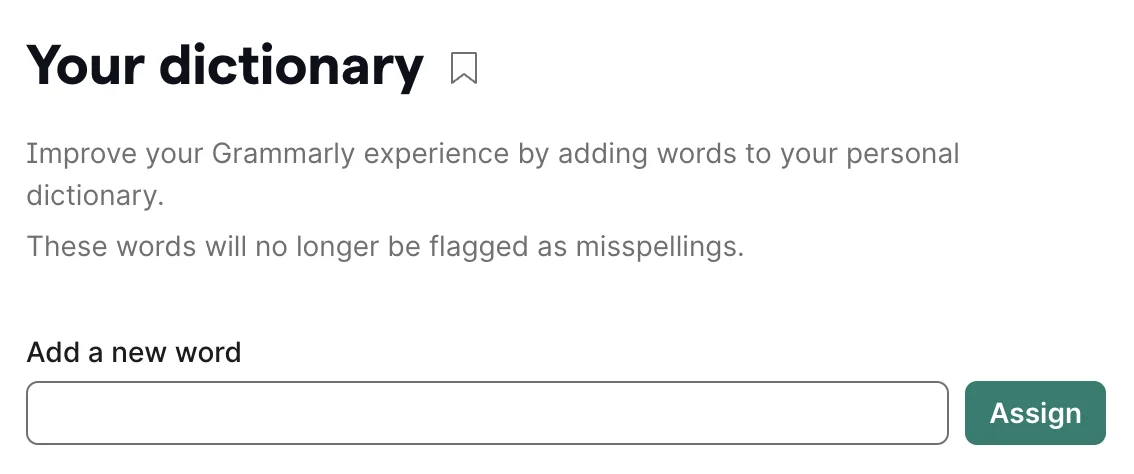
Grammarly offers strong customization options, including personal dictionaries and team settings.
LanguageTool offers personal dictionaries, custom style guides for teams, and Picky Mode for advanced suggestions on punctuation, style, and typography. It also tracks your writing statistics—showing productivity patterns, error types, and improvement over time. While Grammarly edges ahead slightly in enterprise-level customization, both tools provide sufficient personalization for most users’ needs. Your choice here depends on whether you value brand consistency or detailed writing analytics.
Winner: Tie
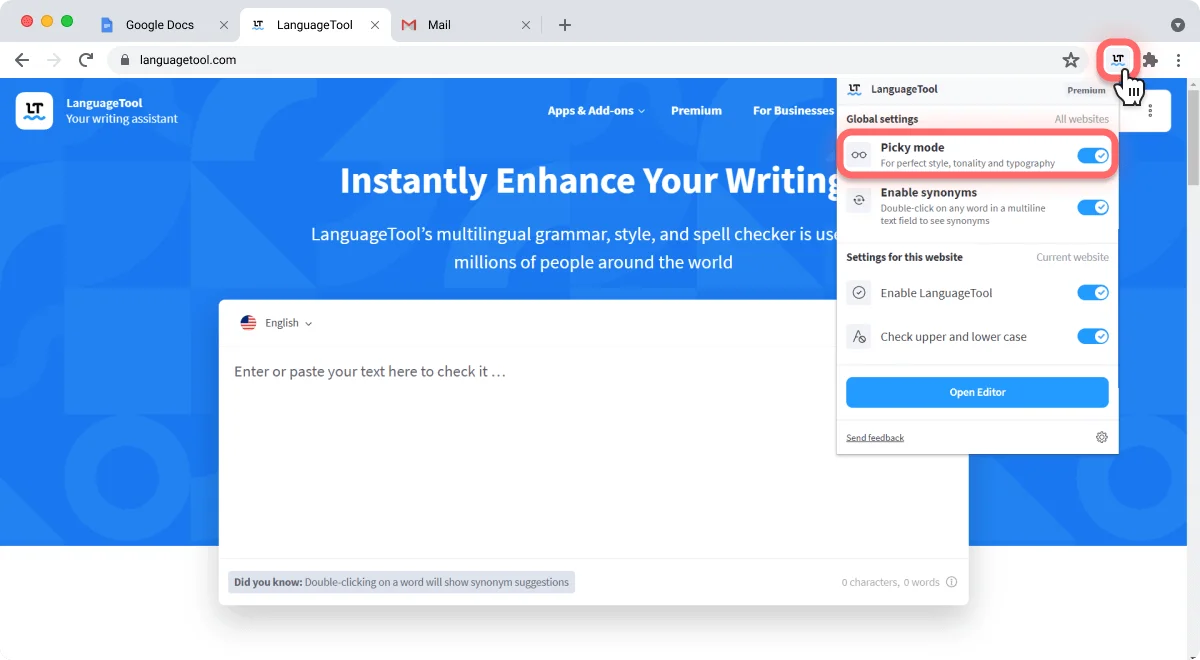
LanguageTool offers customization with picky mode and writing statistics tracking.
Grammarly integrates seamlessly across Chrome, Firefox, Safari, and Edge browsers, plus desktop apps for Windows and macOS. It works within Google Docs, Microsoft Word, Gmail, Slack, and most websites you visit. Mobile users get keyboard apps for iOS and Android.
Grammarly integrates seamlessly across major browsers, desktop, and mobile apps.
LanguageTool offers similar browser coverage plus dedicated support for LibreOffice and Apache OpenOffice, which Grammarly lacks. Its macOS and Windows apps provide system-wide checking, and it includes apps for both iOS and Android. LanguageTool also offers an HTTP-based API for enterprises needing custom integrations. Both tools integrate where you write most often, making this category essentially even.
Winner: Tie
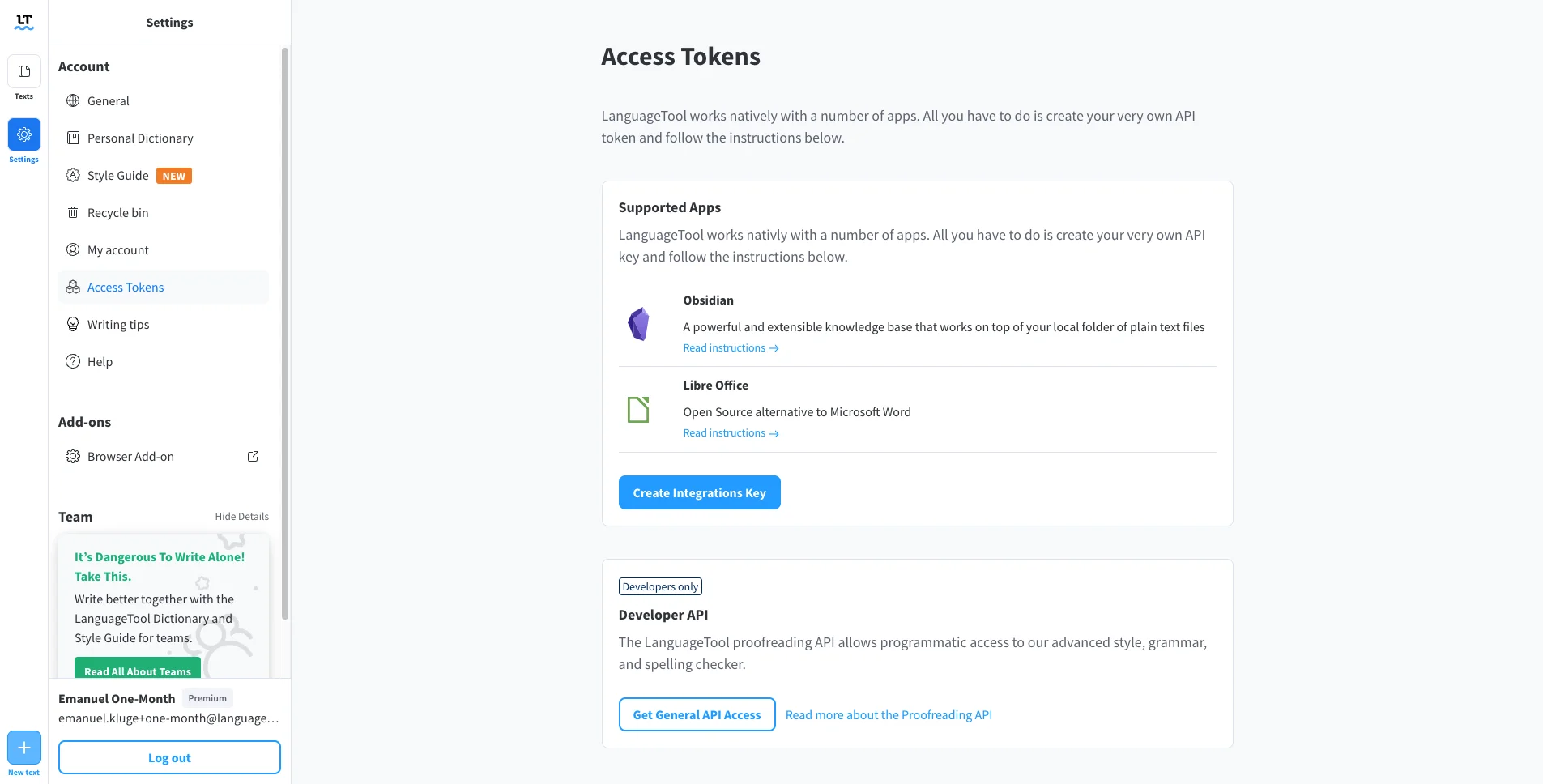
LanguageTool integrates widely, supporting LibreOffice and desktop apps.
You may be interested in:
Grammarly vs ProWritingAid: Which is better for proofreading in 2025?
Wordtune vs Grammarly (2025): Which Is The Best AI Writing Tool?
|
Tool |
Pros |
Cons |
| Grammarly | ✅ Highest English grammar accuracy (90% basic errors)
✅ Advanced tone & style analysis ✅ Plagiarism checker included ✅ Powerful generative AI (GrammarlyGo) ✅ Full-sentence rewrites |
❌ English only—no other languages
❌ More expensive ($144/year) ❌ Stores data on US servers ❌ Desktop app requires an internet connection |
| LanguageTool | ✅ 30+ languages supported
✅ Budget-friendly ($59.90/year) ✅ GDPR-compliant privacy ✅ Open-source core ✅ Strong hyphenation detection ✅ 14-day money-back guarantee |
❌ Less sophisticated English accuracy
❌ Fewer AI features ❌ Mobile app has fewer features than the desktop version |
| Feature | Grammarly | LanguageTool |
| Free Plan | Available
Basic checks, 100 AI prompts |
Available
20,000 characters per check |
| Premium Cost | $30/month or $12/month (annual) | $19.90/month or $4.99/month (annual) |
| Free Trial | No trial, but a free plan is available | No trial, but a free plan is available |
| Credit Card Required | Yes for paid plans | Yes for paid plans |
| Refund Policy | No refunds (cancel anytime) | 14-day money-back guarantee |
| Plan Changes | Can upgrade/downgrade monthly | Can upgrade/downgrade anytime |
| Character Limits | No limits | Free: 20,000 / Premium: 100,000 per field |
| Team Plans | Enterprise (custom pricing) | From $9.48/month for 2 users |
Key Insight: LanguageTool offers better value at 58% less cost annually, plus a money-back guarantee. However, Grammarly’s premium features justify its higher price for English-only professional writers who need plagiarism checking and advanced AI assistance.
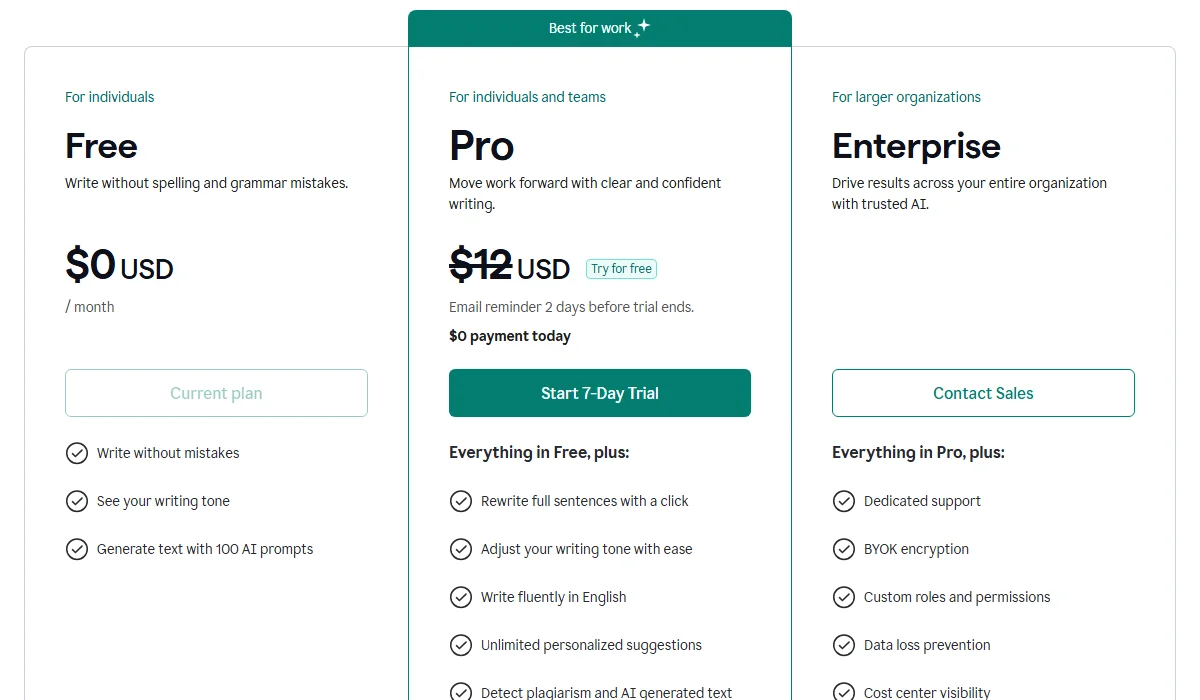
Grammarly Pricing Plan
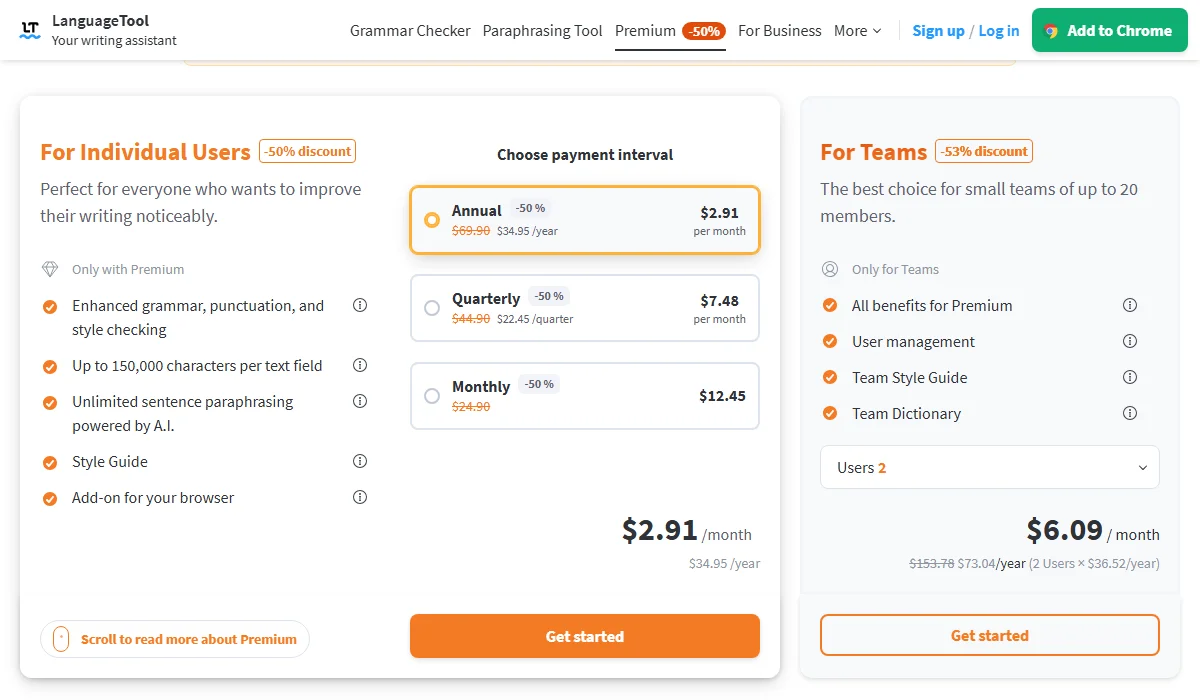
LanguageTool Pricing Plan
When evaluating Grammarly vs LanguageTool or any grammar checker, consider these essential factors:
You may be interested in:
Copy AI vs Grammarly: Which is best for AI Writing Tool?
editGPT vs Grammarly: Which is the Best AI Proofreading Tool?
Choose Grammarly if you’re:
Choose LanguageTool if you’re:
Try both free versions first. We recommend testing each tool with your actual writing to see which feels more intuitive and catches the errors you commonly make. Your specific writing habits matter more than general comparisons.
You may be interested in:
Grammarly vs ChatGPT: Which is better for proofreading in 2025?
QuillBot vs. Grammarly: Which is Better in 2025?